Vigor2830 Series User’s Guide
194
3. After finishing all the settings here, please click OK to save the configuration.
3
3
.
.
7
7
.
.
1
1
1
1
N
N
o
o
t
t
i
i
f
f
i
i
c
c
a
a
t
t
i
i
o
o
n
n
O
O
b
b
j
j
e
e
c
c
t
t
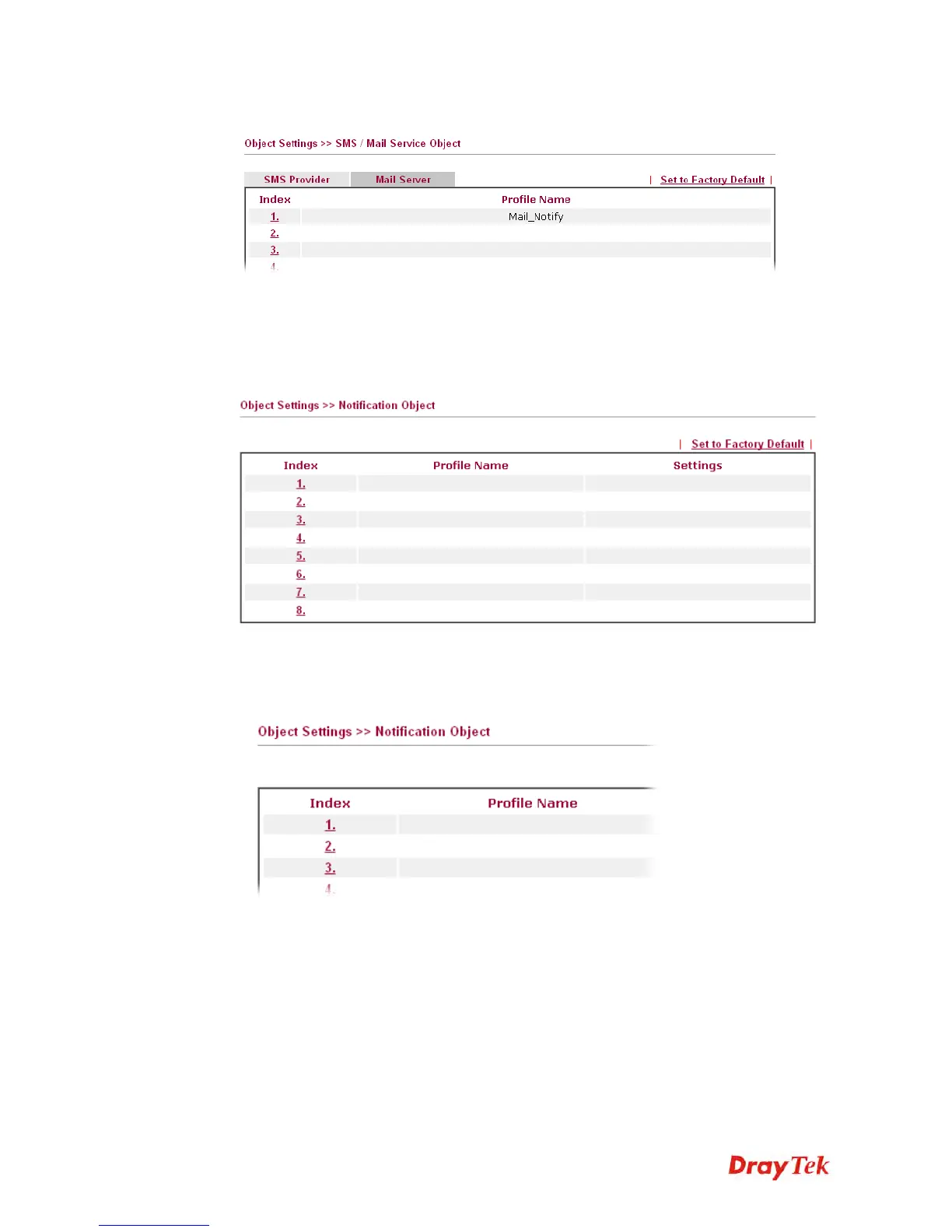
This page allows you to set ten profiles which will be applied in Application>>SMS/Mail
Alert Service.
You can set an object with different monitoring situation.
To set a new profile, please do the steps listed below:
1. Open Object Setting>>Notification Object, and click the number (e.g., #1) under Index
column for configuration in details.














 To Next Page