Vigor2830 Series User’s Guide
9
1
1
.
.
3
3
P
P
r
r
i
i
n
n
t
t
e
e
r
r
I
I
n
n
s
s
t
t
a
a
l
l
l
l
a
a
t
t
i
i
o
o
n
n
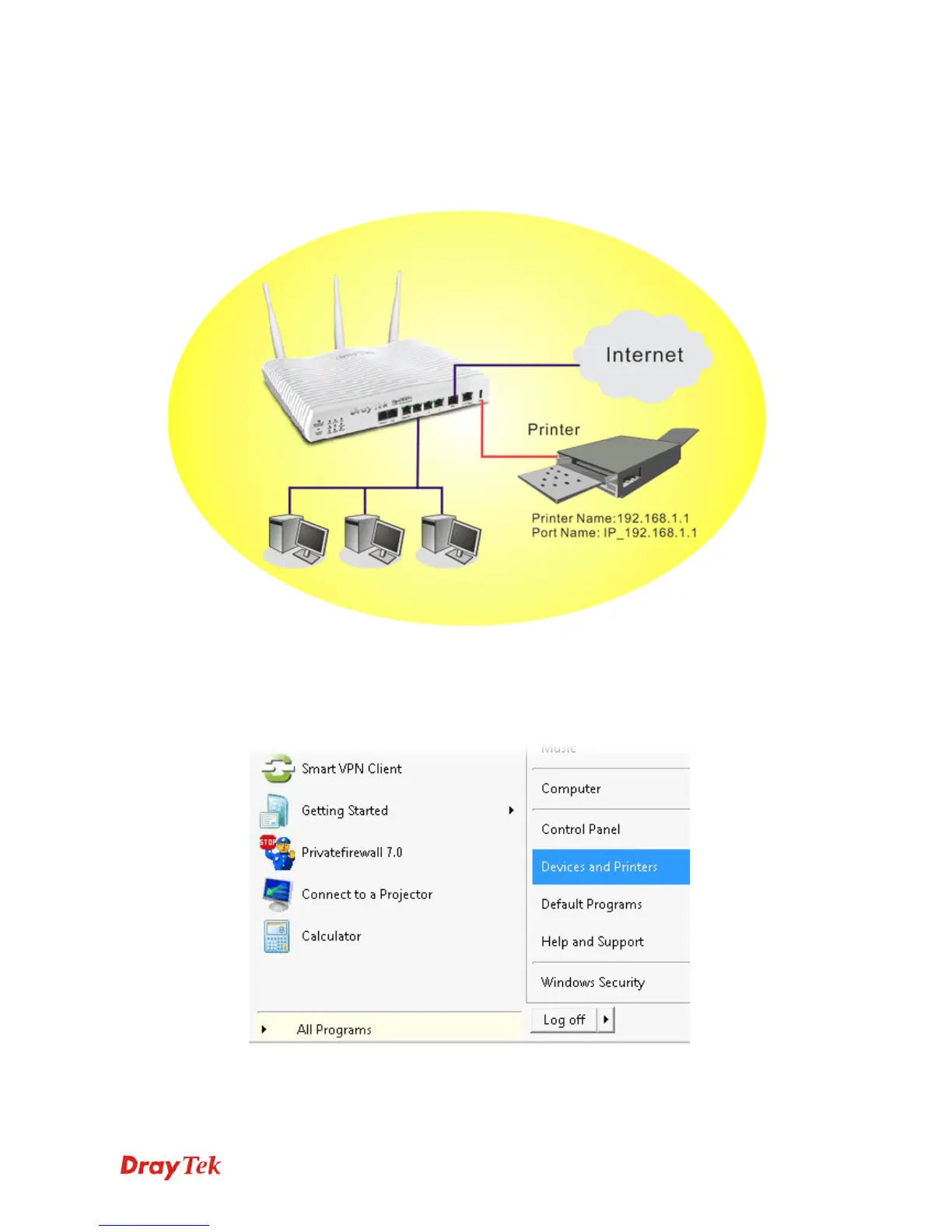
You can install a printer onto the router for sharing printing. All the PCs connected this router
can print documents via the router. The example provided here is made based on Windows 7.
For installation on other Windows systems, please visit www.DrayTek.com.
Before using it, please follow the steps below to configure settings for connected computers
(or wireless clients).
1. Connect the printer with the router through USB/parallel port.
2. Open All Programs>>Getting Started>>Devices and Printers.


 To Next Page
 Loading...











