Vigor2830 Series User’s Guide
400
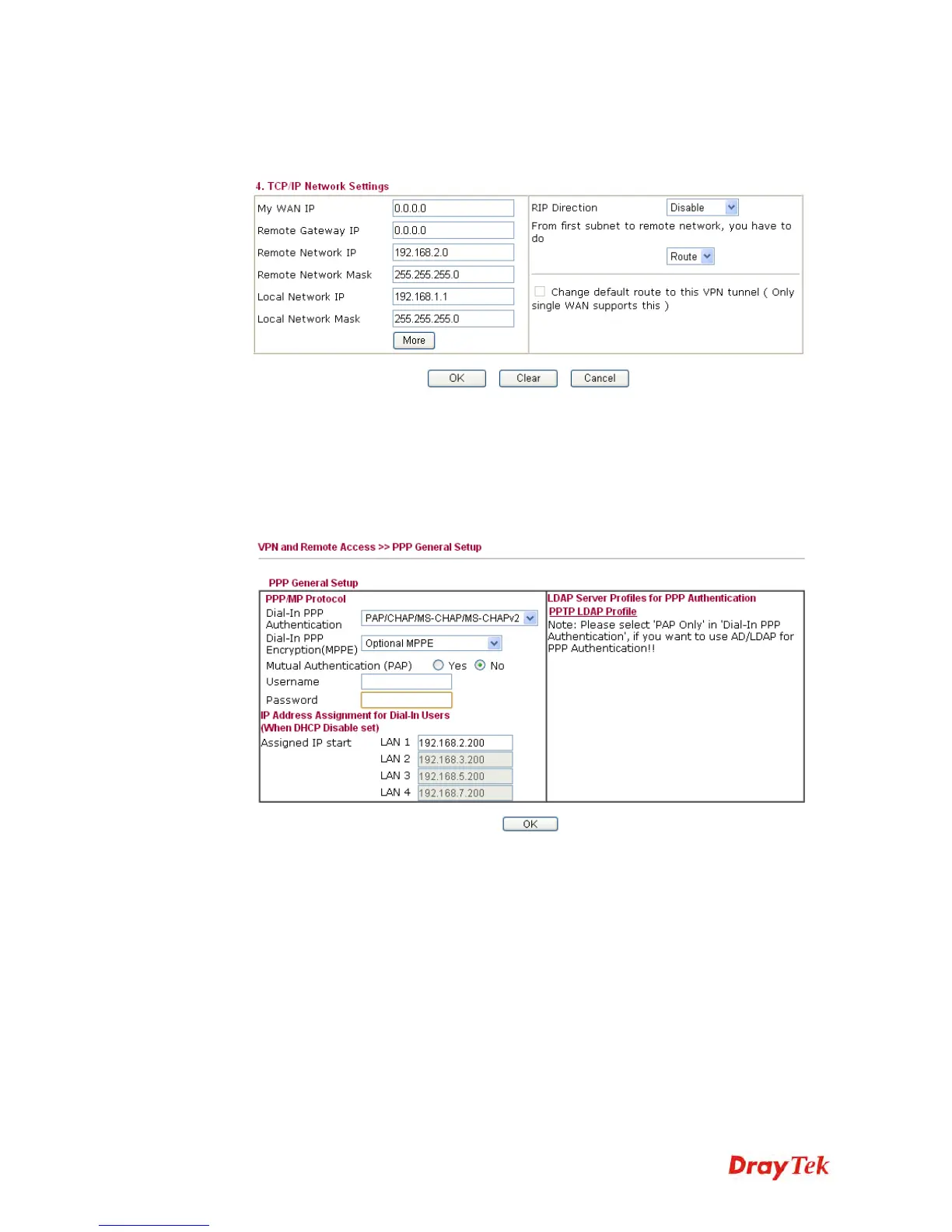
7. At last, set the remote network IP/subnet in TCP/IP Network Settings so that Router A
can direct the packets destined to the remote network to Router B via the VPN
connection.
Settings in Router B in the remote office:
1. Go to VPN and Remote Access and select Remote Access Control to enable the
necessary VPN service and click OK.
2. Then, for using PPP based services, such as PPTP, L2TP, you have to set general
settings in PPP General Setup.
For using IPSec-based service, such as IPSec or L2TP with IPSec Policy, you have to
set general settings in IPSec General Setup, such as the pre-shared key that both parties
have known.














 To Next Page