RETURN
Return to previous menu.
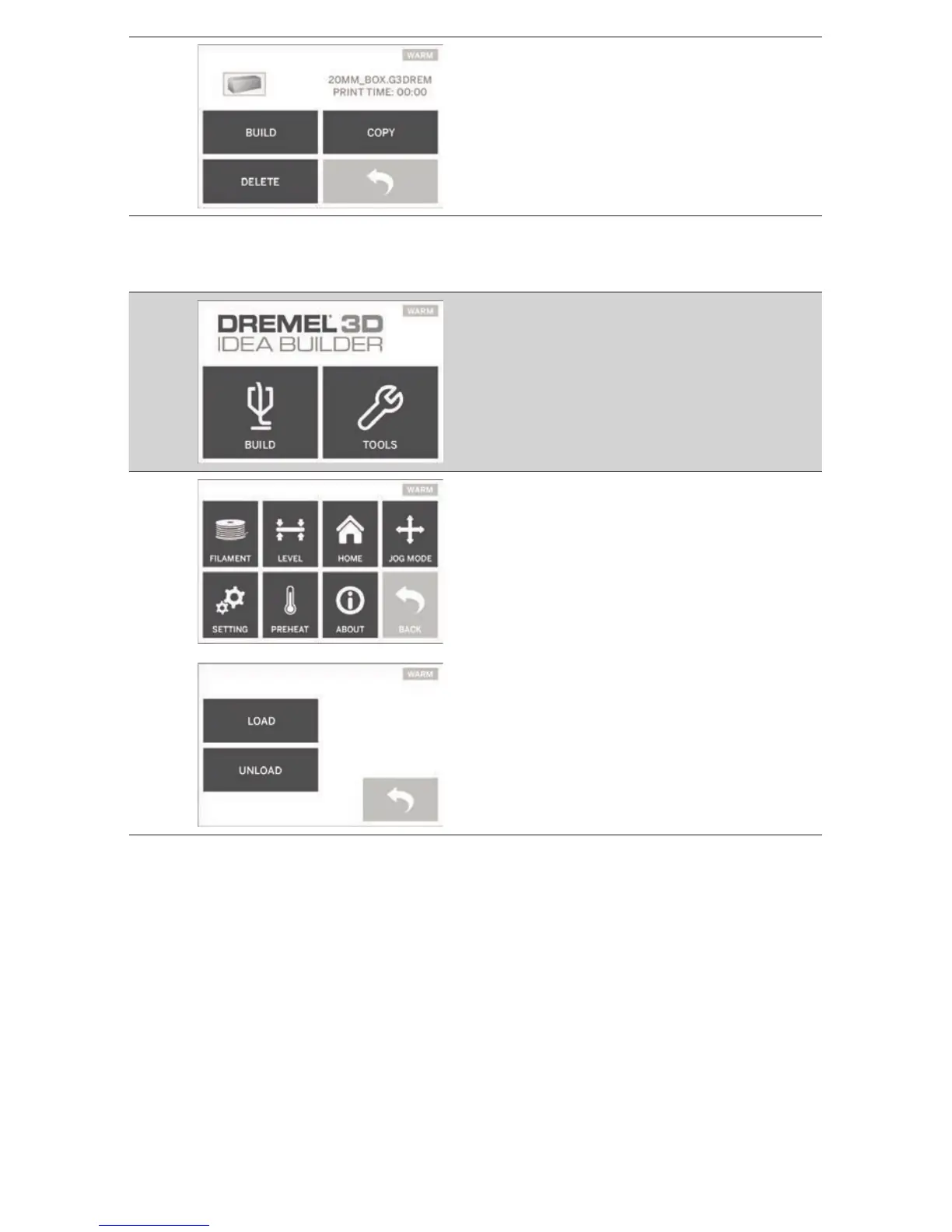
TOOLS
FILAMENT
Load – Tapping this option will instruct your
Dremel 3D20 to begin heating the extruder for
loading lament (see page 19 for instructions
on loading lament). The touch screen will
display a status bar and will let you know when
it is time to load the lament.
Unload - Tapping this option will instruct your
Dremel 3D20 to begin heating the extruder
for unloading lament (see page 23 for
instructions on unloading lament). The touch
screen will display a status bar and will let you
know when it is time to unload the lament.
13



 To Next Page