33
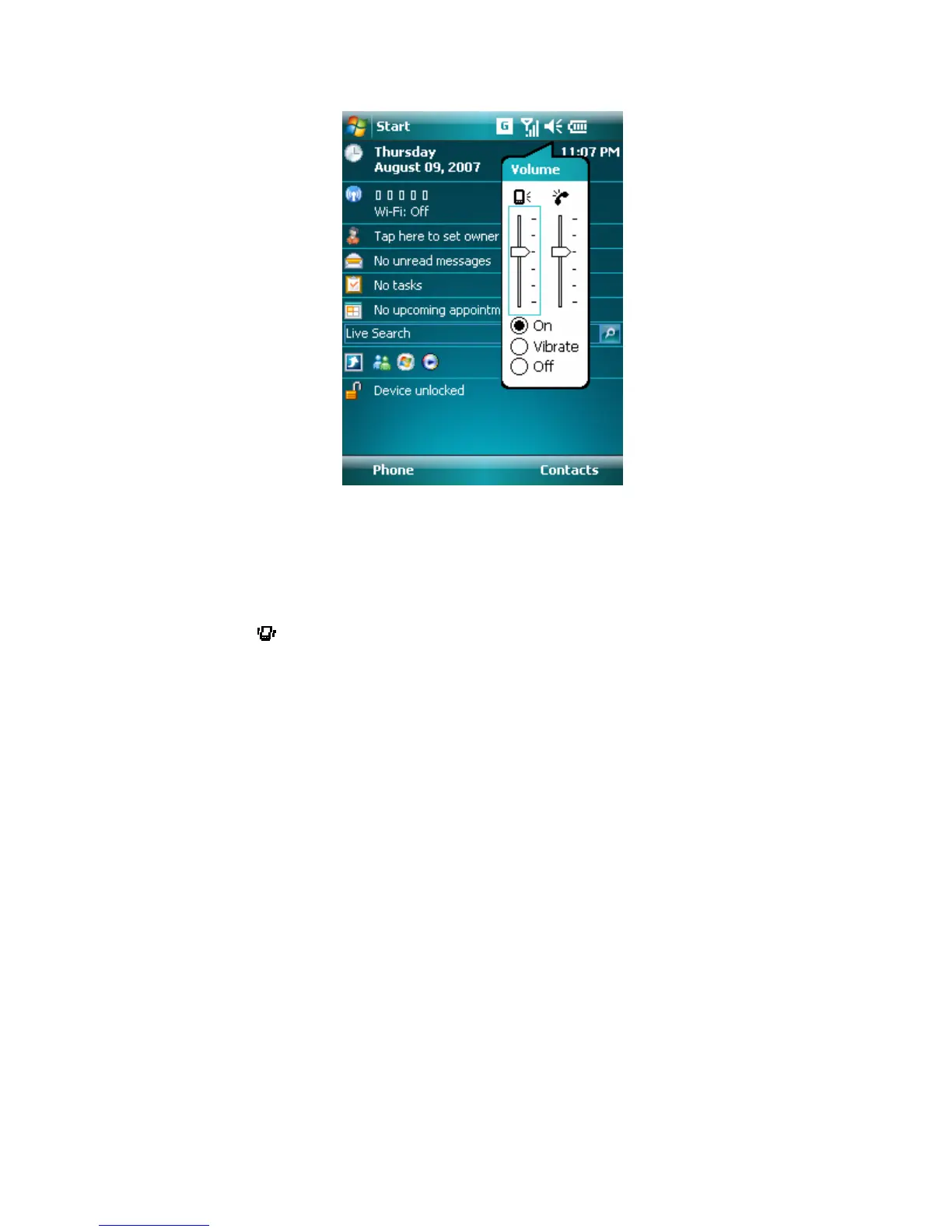
Volume Adjustment
Notes To adjust the conversation phone volume, you must do it during a call.
Adjusting the volume at another time will affect the ring, notification, and
MP3 sound levels.
If Vibrate mode is activated, sound will be muted and the device will be
vibrated automatically when an incoming call is received. The Vibrate icon
(
) will appear in the title bar to indicate that Vibrate mode is activated.
3.2 Making a Call
With your device, you can make a call from Phone, Contacts, Speed Dial, and Call
History.
To make a call from Phone
• On the Phone screen, tap the desired phone number, and tap the Talk button.



 To Next Page