34
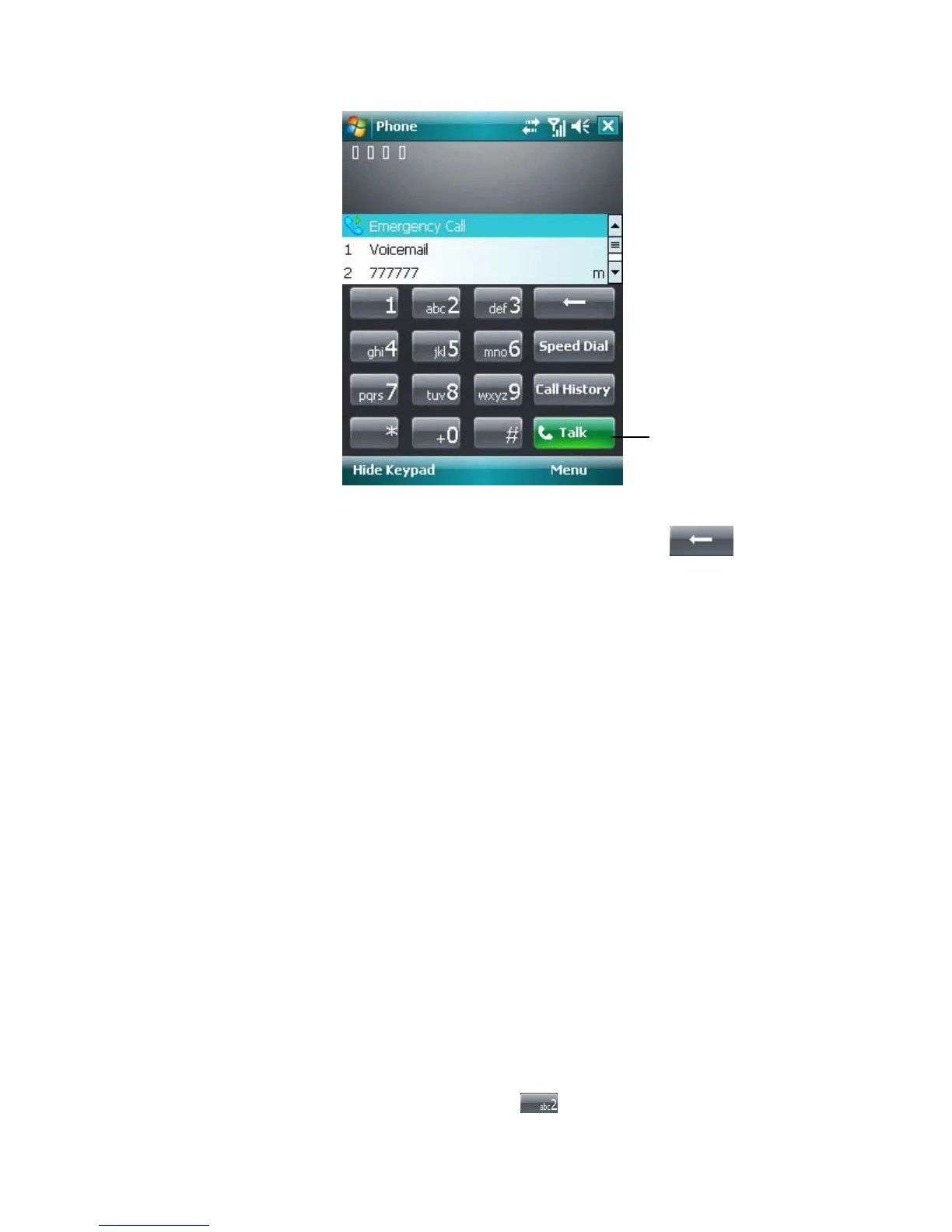
Phone Screen
Tip To delete an incorrect character, tap the Back arrow ( ), to delete
all input character, hold the Back arrow.
To make a call from Contacts
• Tap Start > Contacts.
• Tap the desired contact, and press the Talk button.
• You can also tap the desired contact in the contacts list, and select the phone
number that you want to call. Or, tap and hold the desired contact, and on the
shortcut menu, tap Call Work, Call Home, or Call Mobile.
To specify the number to dial
By default, the mobile telephone number of a contact is dialed when you make a call
from Contacts. However, you can specify that a different phone number is used
instead.
1. Tap Start > Contacts.
2. Press Navigation up or down to select the contact.
To make a call from Call History
1. On the Phone screen, tap the Call History button.
2. Tap Menu > Filter and tap a category.
3. Scroll to the desired contact or phone number, and tap Call.
To make a call from Speed Dial
Use Speed Dial to call frequently-used numbers with a single tap. Assign a phone
number to one of dialing key, 2-9. For example, if you assign a contact to the location
2 in Speed Dial, you can simply tap and hold
on the Phone screen to dial the
The Talk button



 To Next Page