20
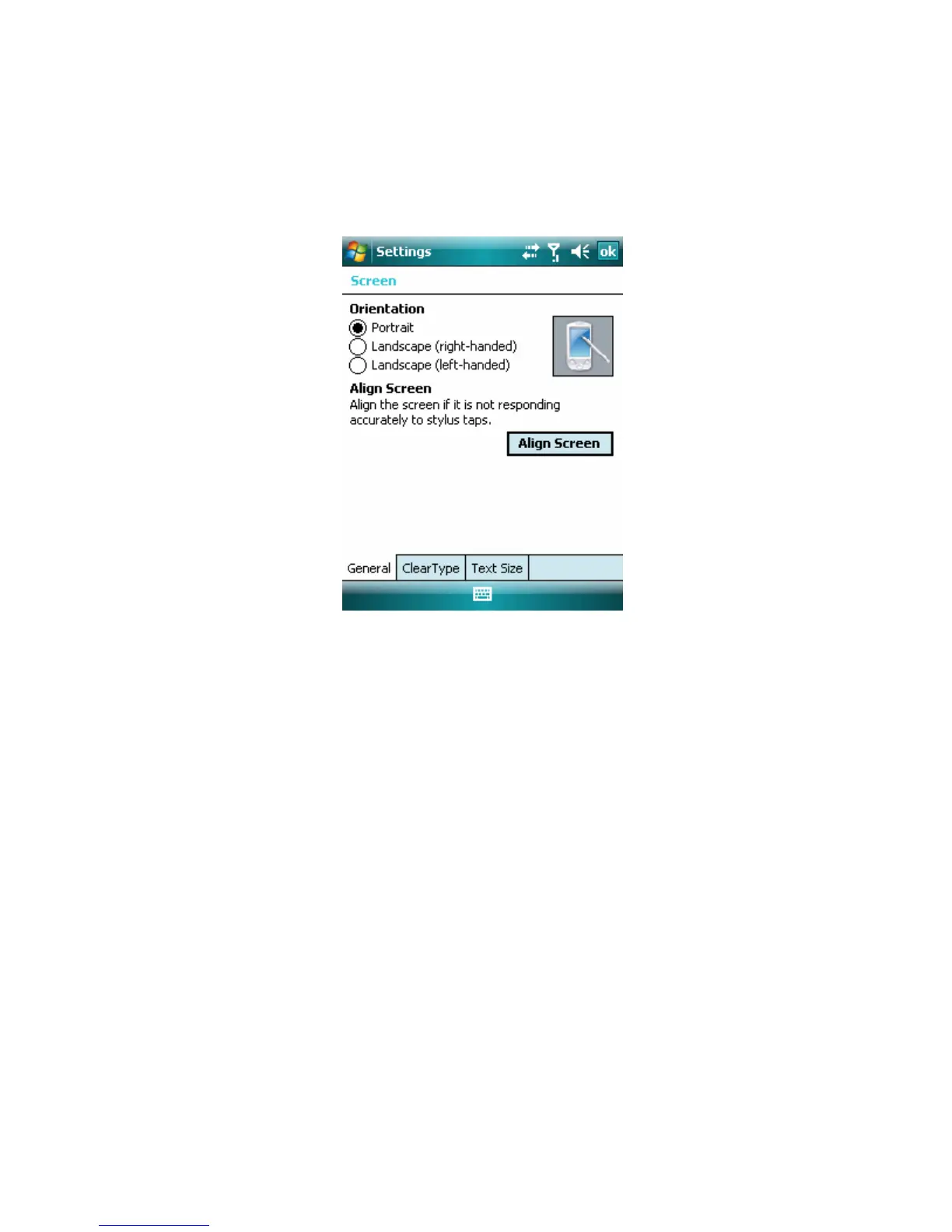
If the device does not accurately respond to screen taps, follow these steps to
re-calibrate it:
1. Select Start > Settings > System tab > Screen.
2. On the General tab, select Align Screen, and follow the instructions on the
screen.
To manage screen settings
The device touch screen has three orientation modes: Portrait, Landscape
(right-handed) and Landscape (left-handed). Your screen’s normal orientation is
Portrait. Choosing Landscape mode will rotate the screen 90°.
1.5 The Today Screen
The Today screen displays important information, such as upcoming
appointments and status indicators. To open the program, tap the associated
section on the screen.
. • To access the Today screen, tap Start > Today.
• To customize the Today screen display, which includes the background image,
select Start > Settings > Personal tab > Today.



 To Next Page