61
scan for available wireless networks and the icon ( ) will appear on the title bar.
The arrows in this icon will move back and forth while connecting. Once connected
the arrows stop moving.
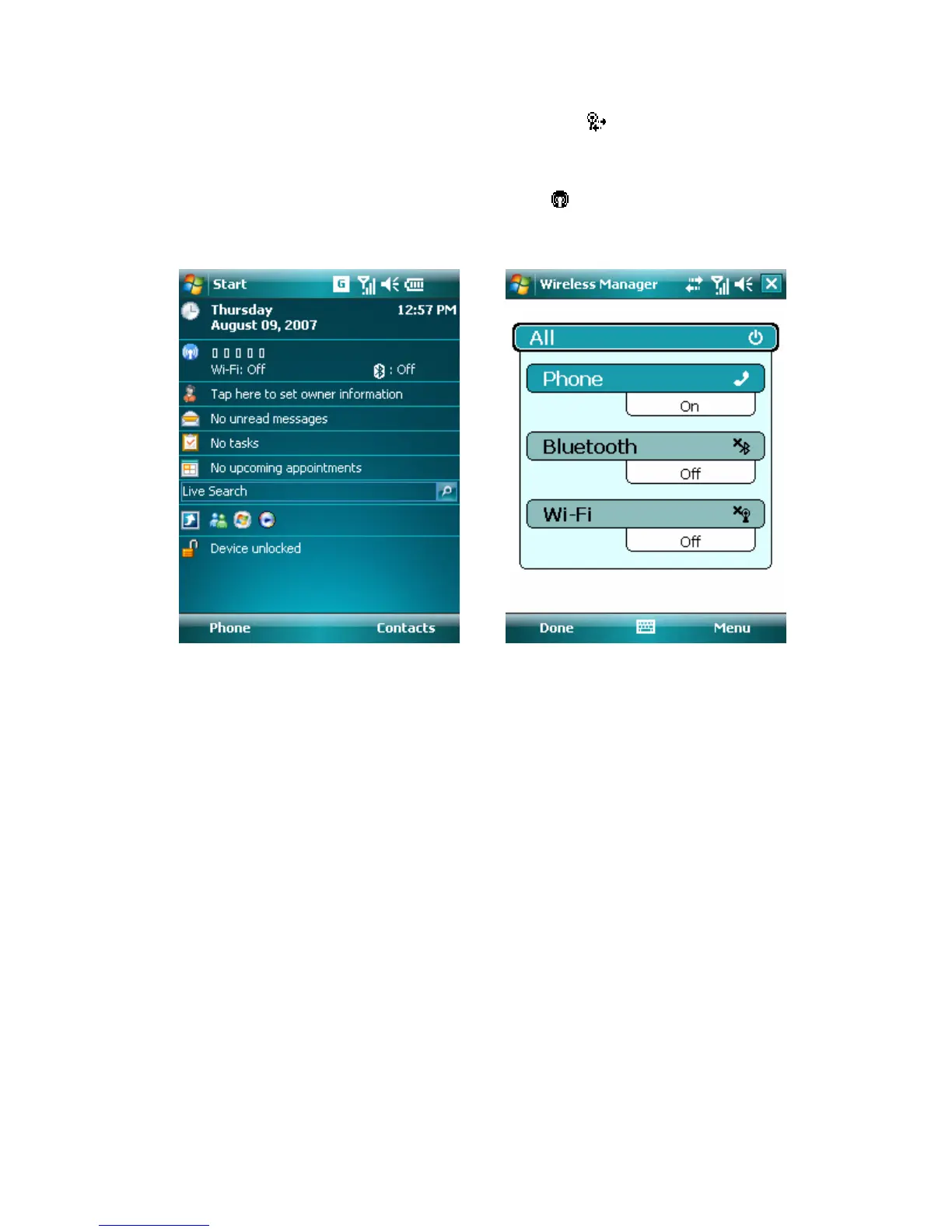
• Wireless Manager screen. Tap the icon ( ) to open the Wireless Manager
screen to check for the Wi-Fi status.
• Wi-Fi Settings screen. Tap Start > Settings > Connections tab > Wi-Fi
Settings > Main tab. Here shows the connection status, current configuration, and
signal quality.
• Configure Wireless Networks screen. Tap Start > Settings > Connections
tab > Network Cards > Wireless tab. This screen displays the wireless networks
currently available, and you can change the connection settings and create new
connections to other access points.



 To Next Page