95
Note You can cancel the installation at any time.
To install MIDlets from a PC
You can install the MIDlets/MIDlet suites on your device from a PC using the
USB sync cable, the optional cradle, or Bluetooth. MIDlets copied to your device
using Bluetooth, or email attachments are automatically saved in the My
Documents folder. However, you can copy the MIDlet file(s) from a PC to any of
the following temporary folders on your device from where MIDlet Manager can
install them.
• Device memory: File Explorer/My device/My Documents/My MIDlets
• Storage card: File Explorer/My device/Storage Card
Note If the My MIDlets folder does not exist in My Documents, you can create a
folder in the same folder name. However, a folder named Storage Card
automatically appears after you insert a storage card into your device.
To install a MIDlet/MIDlet suite
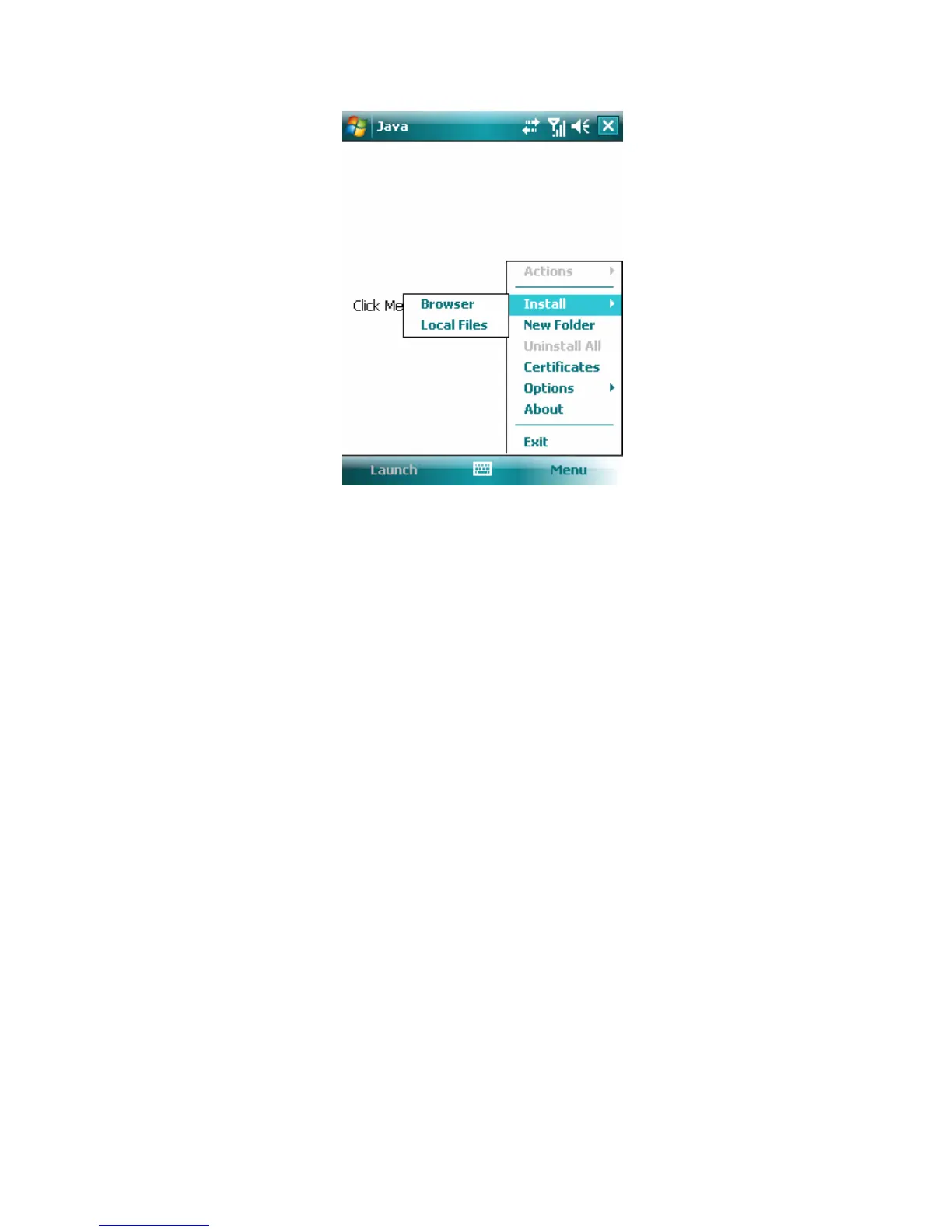
1. Tap Start > Programs > Java > Menu > Install > Local Files to install the
MIDlets currently saved on your phone.
2. Select the MIDlet/MIDlet suite from the list by using the Navigation control.
3. Tap Install.
4. Tap Yes to continue.
5. Tap OK to confirm the installation.
Note To remove the MIDlet files from the temporary folder, tap Remove from the
shortcut menu.
To run MIDlets on your device



 To Next Page