Drobo5N2 User Guide 125
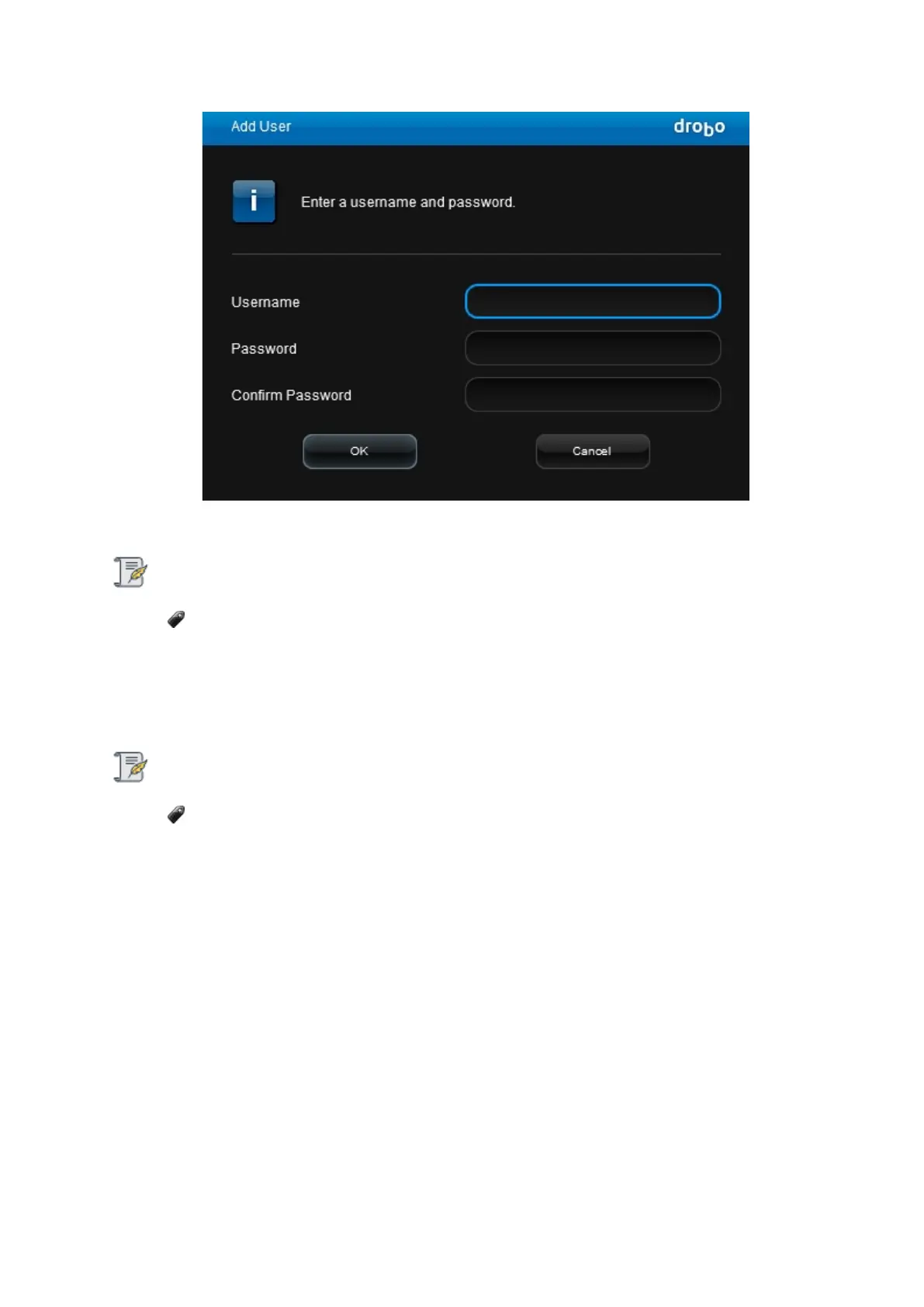
6. In the Username text box, enter the name for a user you would like to create.
Note:
You need to be logged in as the administrator to create users. There is only one
administrative user per Drobo device.
7.
In the Password text box, enter a password for this user.
8.
In the Confirm Password text box, re-type the password for the user.
Note:
You need to be logged in as the administrator to create users. There is only one
administrative user per Drobo device.
9.
Click the OK button. The new user displays in the list under Users on the Share Settings page.
10.
Repeat steps 5 through 9 to create additional users.
11.
Do one of the following:
●
You can now assign users access rights to your share(s).
●
Otherwise, if finished, click the OK button on the Share Settings page to save your
changes.
12.
Your settings are saved and you are returned to the Shares page.



 To Next Page