Drobo5N2 User Guide 166
1.8.9
Getting Diagnostics on Your Drobo 5N2
You can view and print an encrypted diagnostic file about your Drobo device.
1.
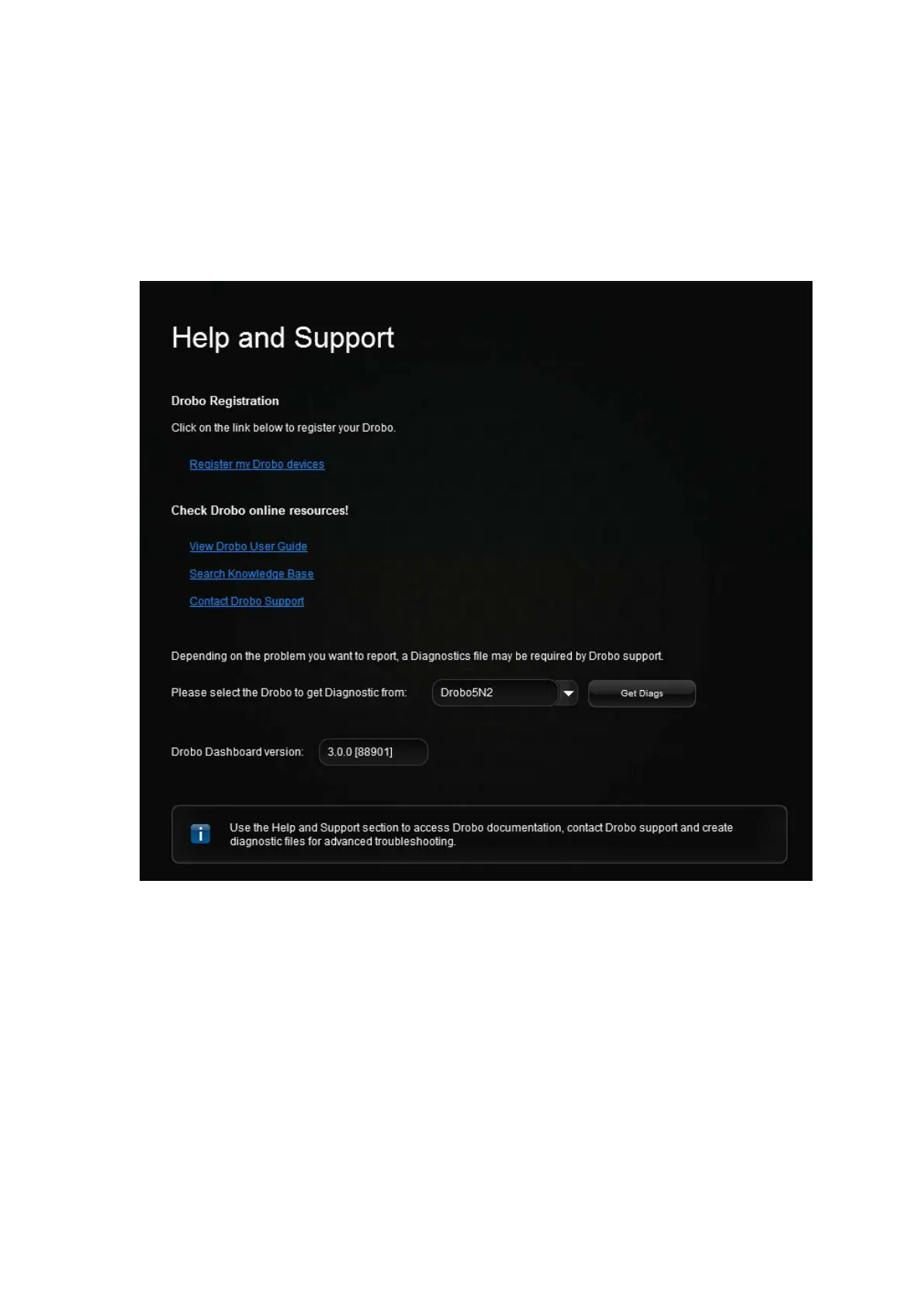
In Drobo Dashboard, click the Help and Support option on the Navigation menu.
The Help and Support page opens.
2. Near the bottom of the screen, select the appropriate Drobo device from the drop-down list, and
then click the Get Diags button.
3.
In the Problem Description box type in a description of your issue, if you have support incident
number please include, then click Send button. .
Generating a diag this way does not automatically create support incident, you will need to create a
support incident if you require assistance.



 To Next Page