Drobo5N2 User Guide 153
1.8.2
Checking the Status of Your Drobo 5N2
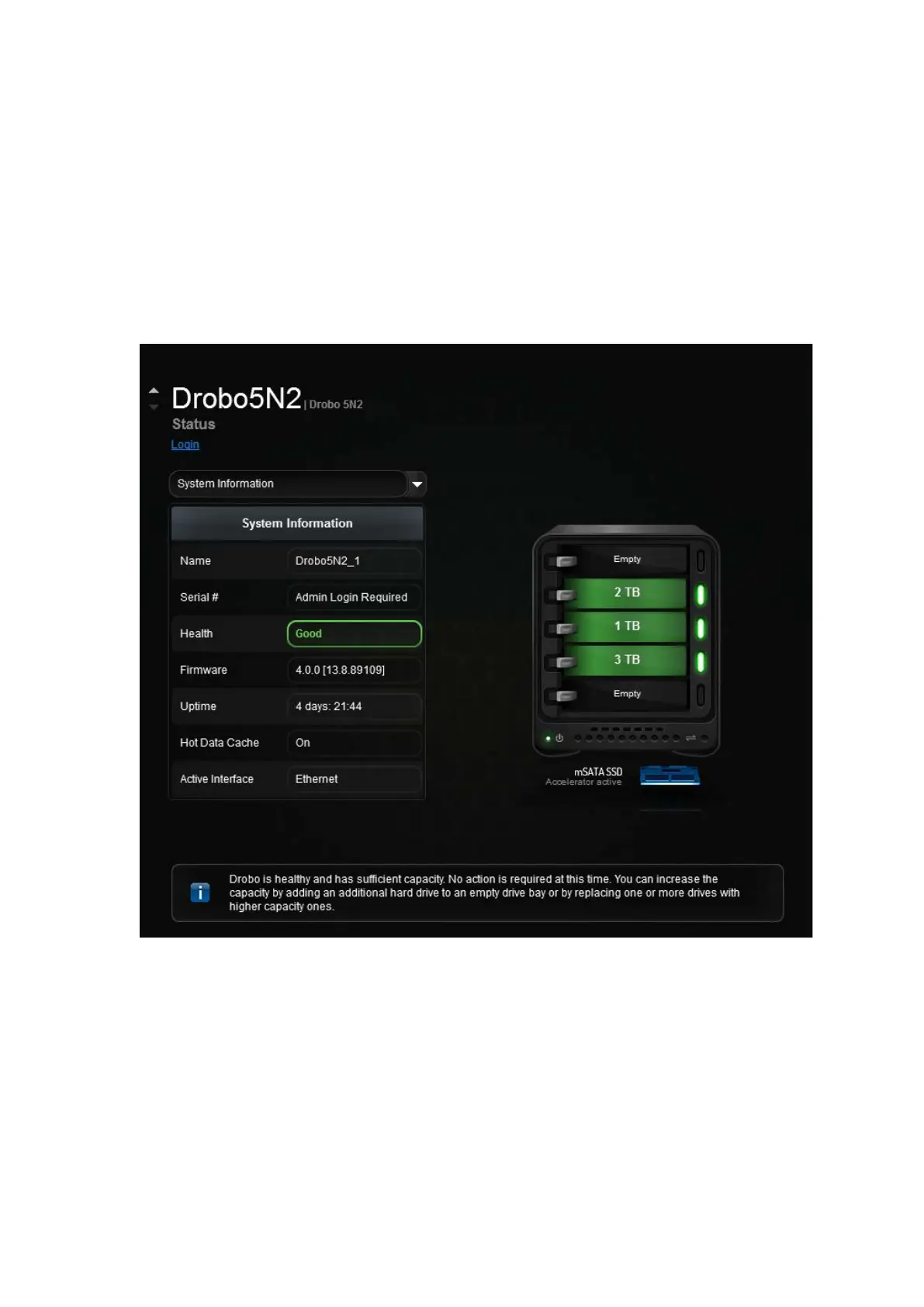
The Status page in Drobo Dashboard provides in-depth information on the status of your Drobo
5N2. To view the Status page, do the following.
1.
In Drobo Dashboard on the All Drobos page, select the appropriate Drobo device.
2.
Click the Status option on the Navigation menu.
The Status page opens.
From this screen, you can view the status of different aspects of the Drobo 5N2, such as system
information, drive information and network information by selecting one of the options in the drop-
down list.
Information you can view on this page includes:
●
Name - The name of the selected Drobo 5N2.
●
Serial - The serial number for the selected Drobo 5N2.
●
Health - The health of the selected Drobo device. It displays as Good (in green) when healthy or



 To Next Page