Drobo5N2 User Guide 30
1.2.2.2 Installing Drobo Dashboard on Mac
To install the Drobo Dashboard on a Mac machine:
1.
Go to the Start 5N2 page and download the Drobo Dashboard installation file for Mac.
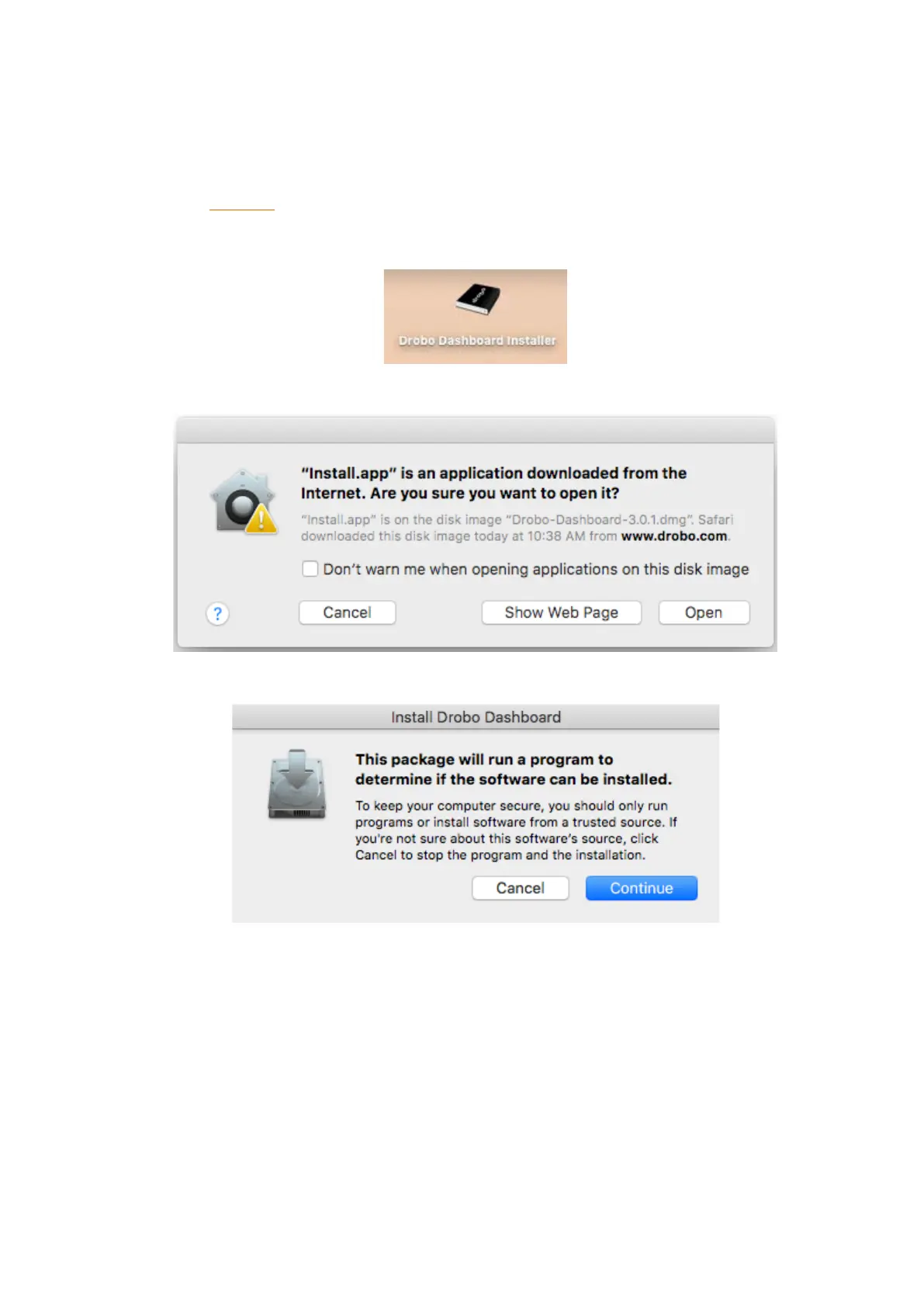
2. After downloading, double-click the Drobo Dashboard Installer to launch it.
3. A pop up will appear asking whether to open the Installer. Click Open.
4. The Install Drobo Dashboard page will appear. Click Continue to proceed to the next screen.
5. The Firewall Warning page appears. Click Continue.



 To Next Page