Drobo5N2 User Guide 88
1.4.2
Logging On to a Drobo 5N2
To log in to you Drobo 5N2:
1.
In Drobo Dashboard on the All Drobos page, double-click on the Drobo device to which you
would like to log on.
2.
The Status page for that Drobo device opens.
3.
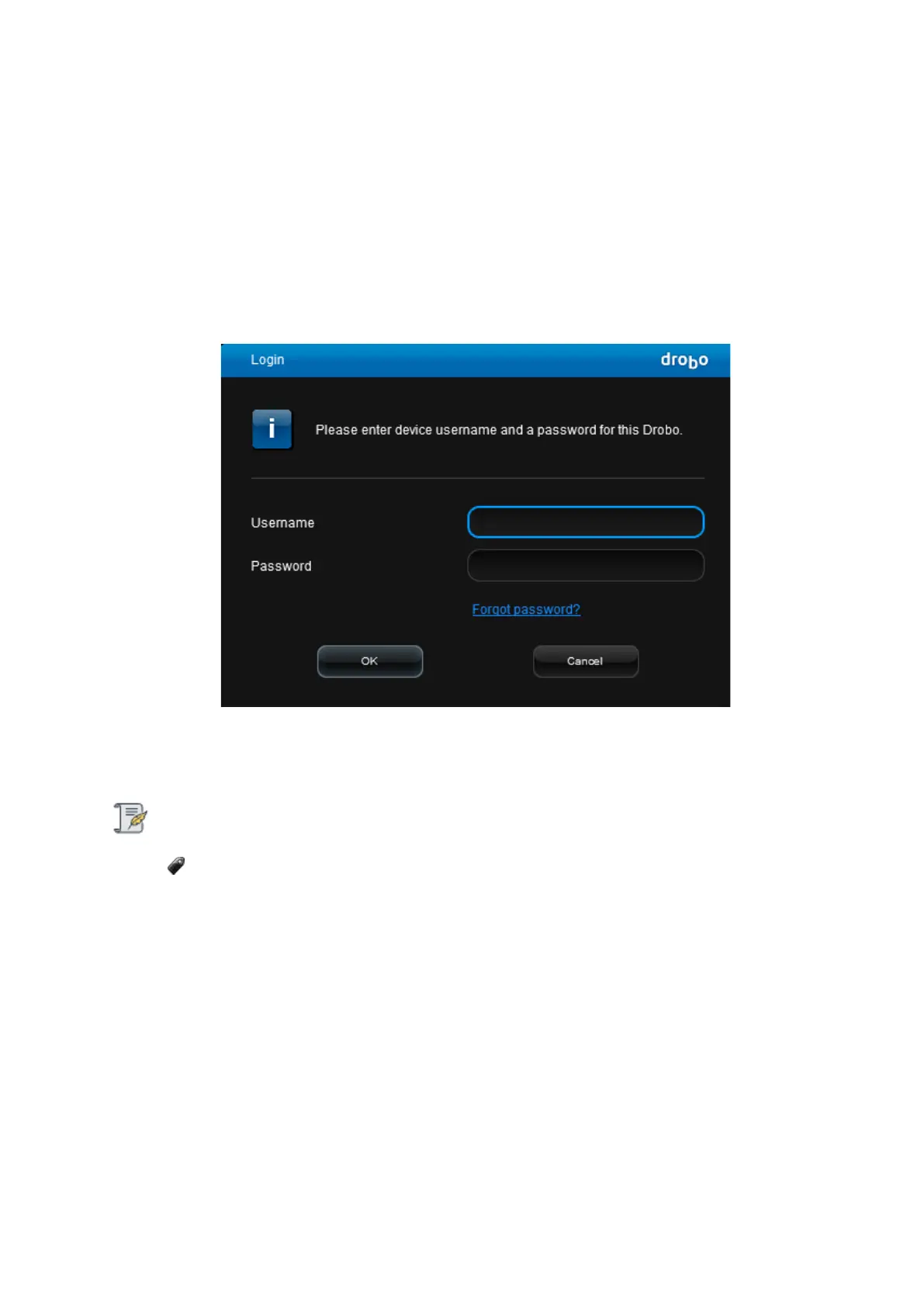
Click the Login link near the top. The Login dialog page opens.
4. In the Username text box, enter the username for this Drobo device.
5.
In the Password text box, enter the password for this Drobo device.
Note:
If you are the administrator and have forgotten your username and/or password, contact
Drobo Customer Support. They will gather information from you about your Drobo device
and then walk you through resetting the username and password without risk of losing data.
6.
Click the OK button to log on to the Drobo device.



 To Next Page