Drobo5N2 User Guide 96
1.4.7
Restarting Your Drobo 5N2
To restart your Drobo 5N2 using the Drobo Dashboard:
Note:
You need to be logged in to perform this action.
1.
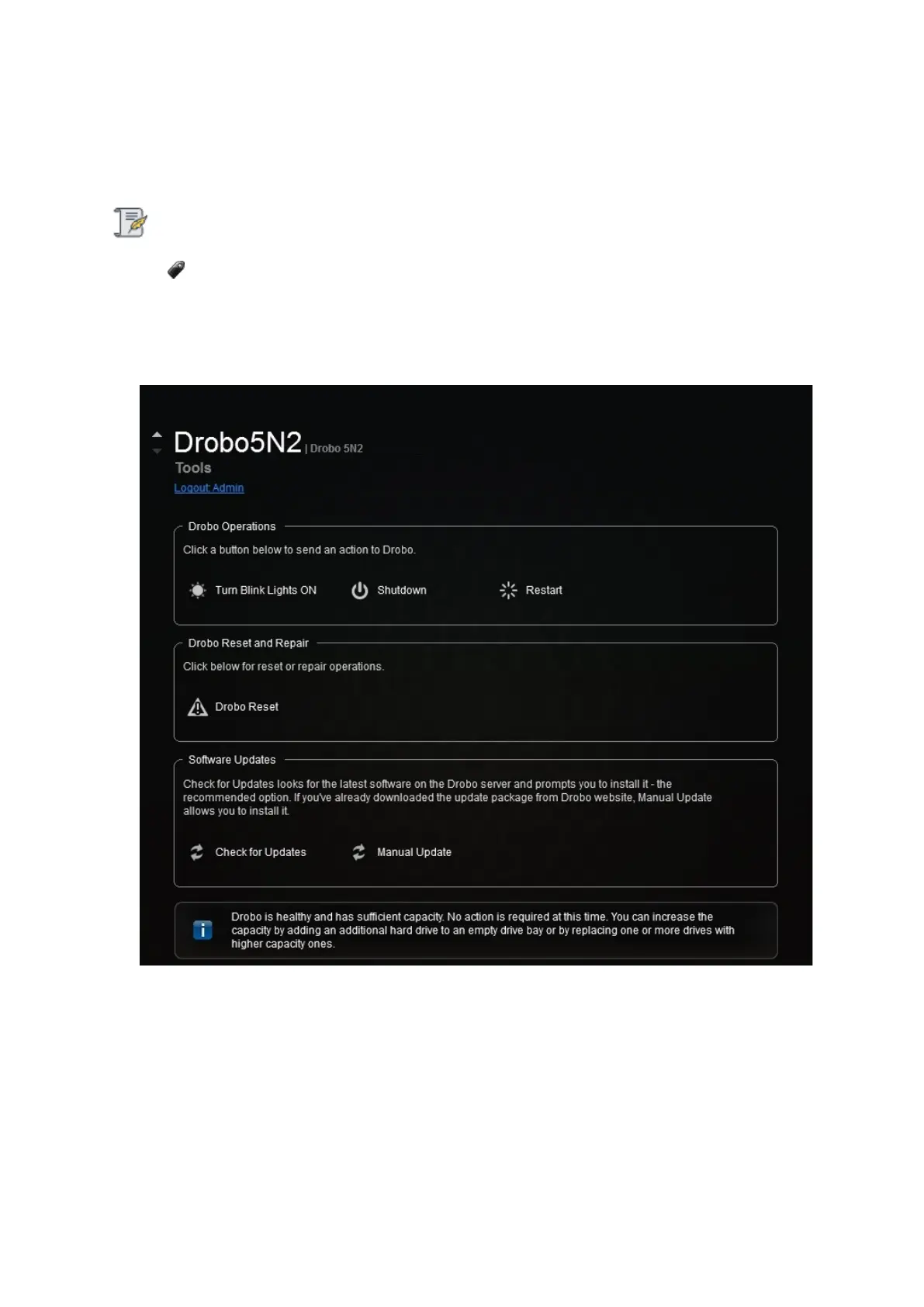
In Drobo Dashboard on the All Drobos page, select the Drobo device which you would like to
restart, and then click the Tools option from the Navigation menu. The Tools page for that Drobo
device opens.
2. In the Drobo Operations area, click the Restart option.
3.
A message box displays, asking you to confirm the restart. Click the Yes button.



 To Next Page