Drobo5N2 User Guide 47
1.2.8
Using Drobo 5N2 with Time Machine
Drobo 5N2 is having the ability to create a dedicated backup in Mac OS system with the help of Time
Machine. The backup is compatible with encrypted backup options. This section will explain how to
create a backup for your Drobo device.
Creating a backup
The following steps will help you to create a fixed-size backup that will appear as a new disk,
separate from your main Drobo volume. Having this dedicated fixed-size backup will prevent backup
software from filling your main Drobo volume with daily backups.
Follow the steps shown below to create a backup for your Drobo device:
1.
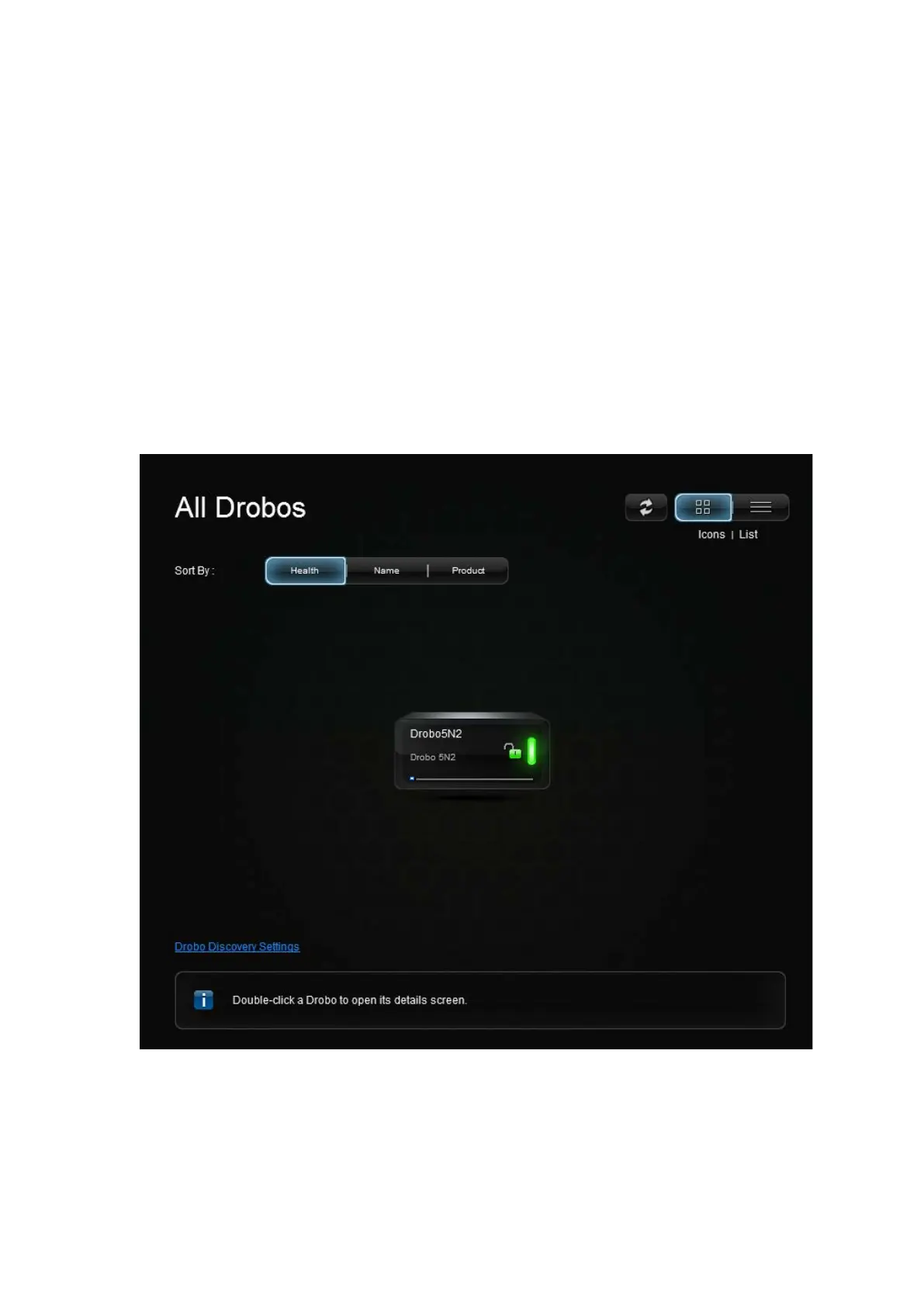
Open the Drobo Dashboard and wait for your Drobo device to appear in the All Drobos page.
2. Select the appropriate Drobo 5N2 device from the All Drobos page.
3.
Login to the device using appropriate username and password.
4.
Select Shares option from the Navigation menu. The Shares page will appear as shown in the
figure below.



 To Next Page