Drobo5N2 User Guide 167
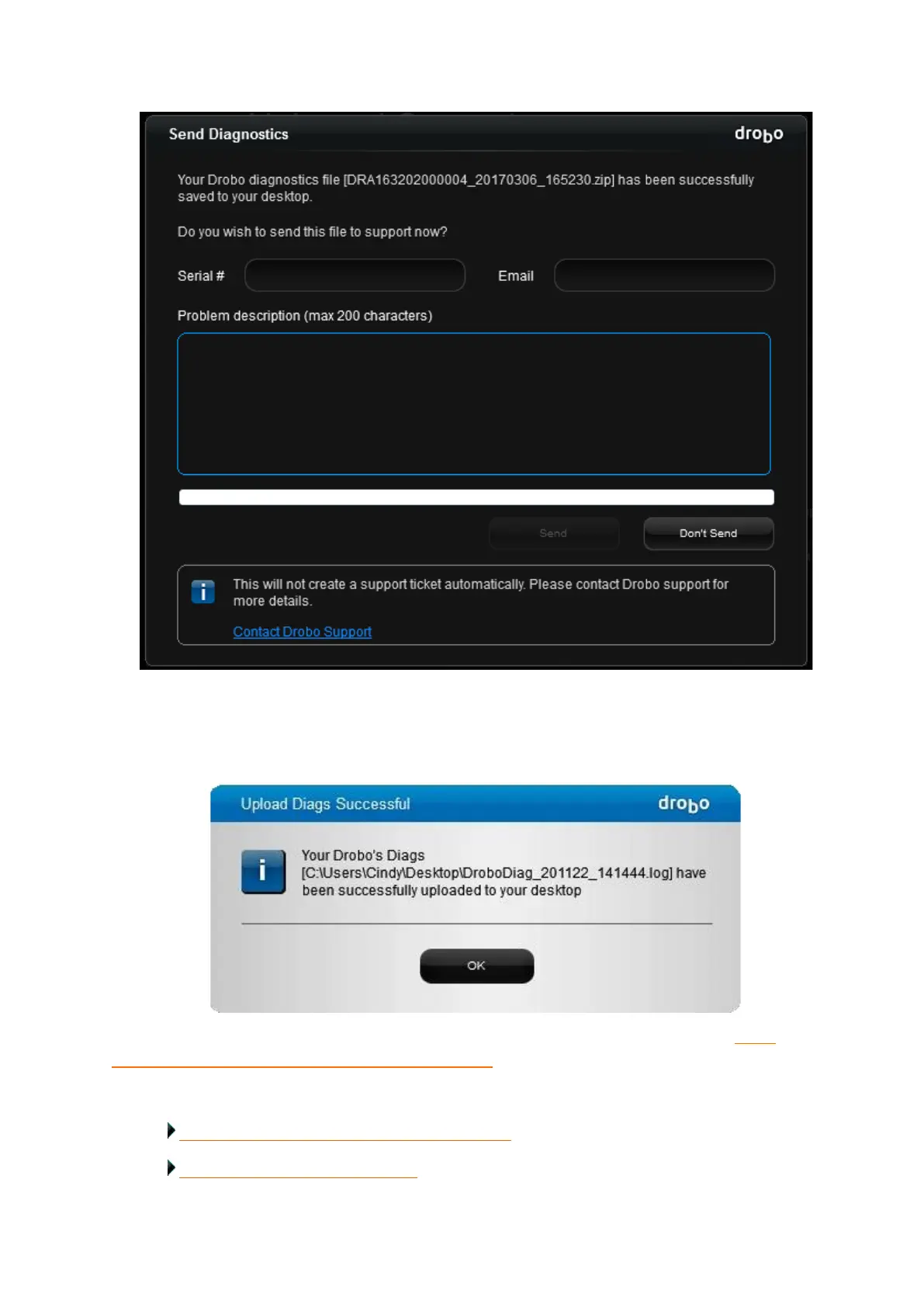
The Upload Diags Successful dialog box opens, indicating that the diagnostics file has
successfully uploaded to your desktop.
If you cannot generate a diagnostics file because your Drobo device does not mount, see: What
should I do if my Drobo storage device will not mount?
Related topics:
Checking Storage Usage and Device Information
Understanding the Indicator Lights



 To Next Page