Drobo5N2 User Guide 131
6. For the Mac, the share is mounted to the desktop.
7.
Repeat step 3 for all shares you would like to mount.
Notes:
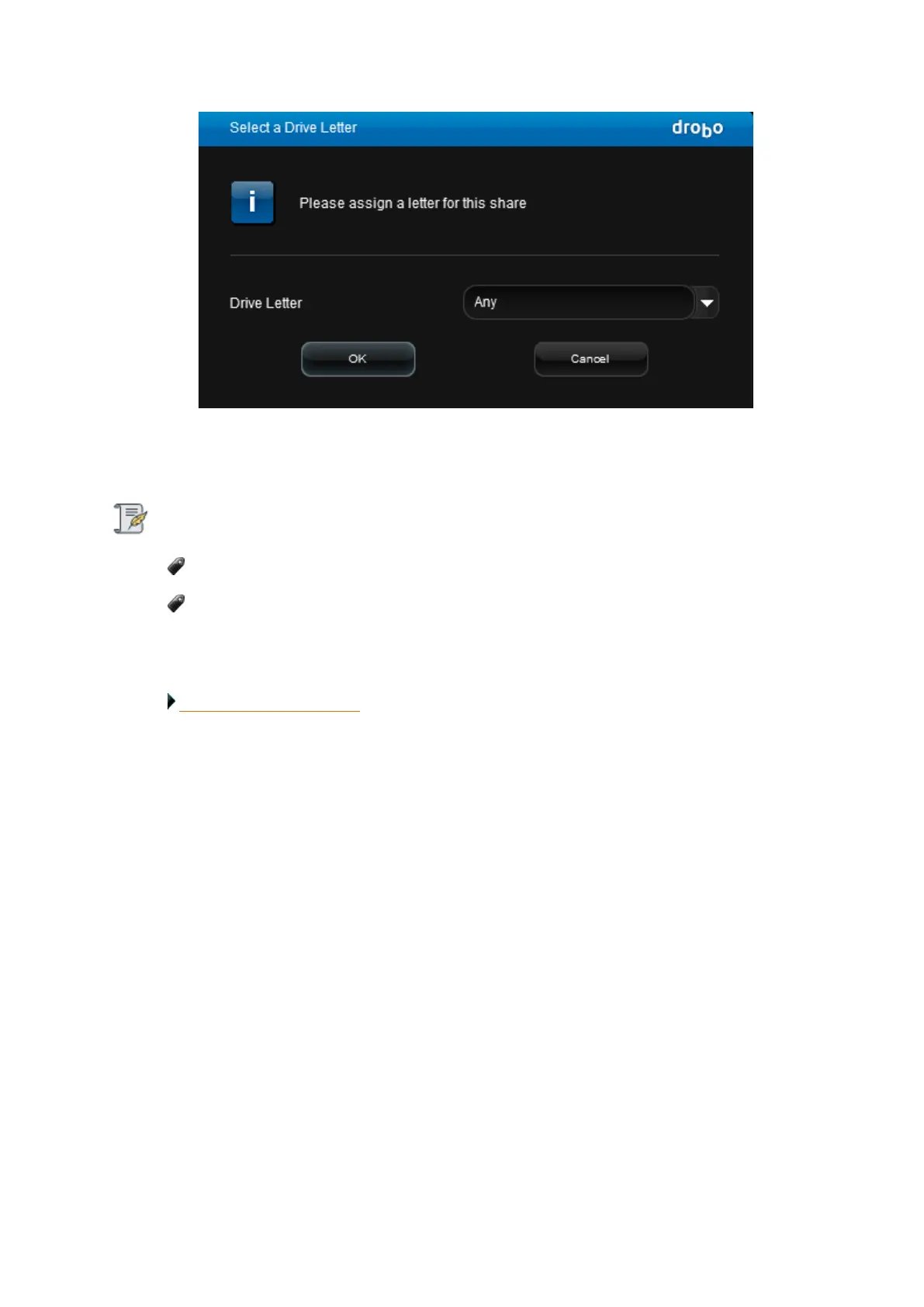
For Windows, if you run out of drive letters, you cannot mount anymore shares.
To unmount a share, de-select the check box in the Mount column next to the appropriate
share.
Related topic:
Creating and Using Shares



 To Next Page