Drobo5N2 User Guide 173
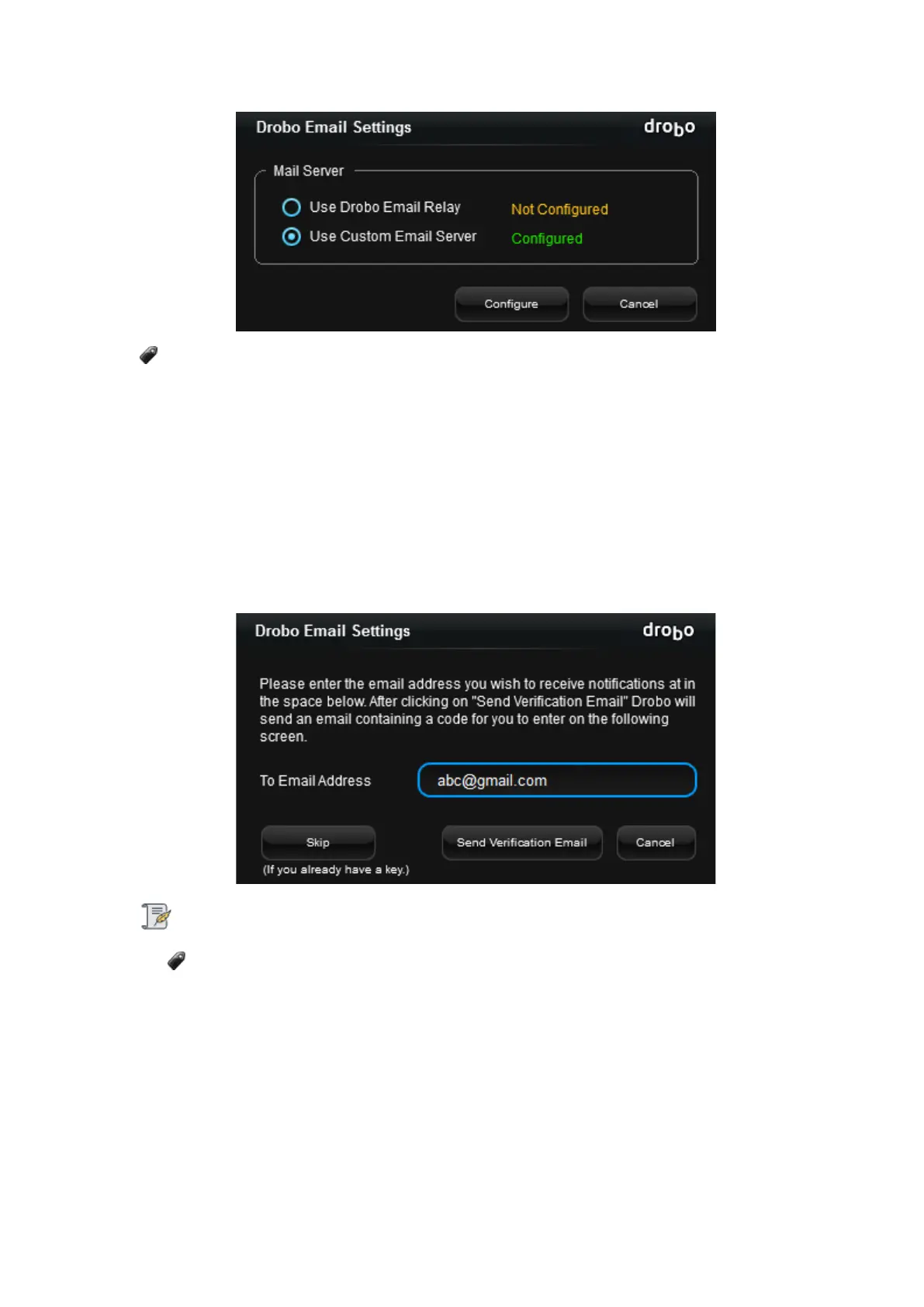
Only one of the Mail Servers can be configured at a time.
Drobo Email Relay
To configure Drobo Email relay Sever, follow the steps given below:
1. Select the Use Drobo Email Relay radio button and click Configure.
2. Enter the e-mail address in the space provided at which you wish to receive the
notifications and click the Send Verification Email button.
Note:
If you already have a key, click the Skip button. Then enter the code in the text area and
click Validate.
3. A message appears informing that you will receive a test email shortly. Click OK.
4. You will receive an email from Drobo in your mailbox which contains the Validation code.
Enter the code in the text area and click Validate.



 To Next Page