Drobo5N2 User Guide 208
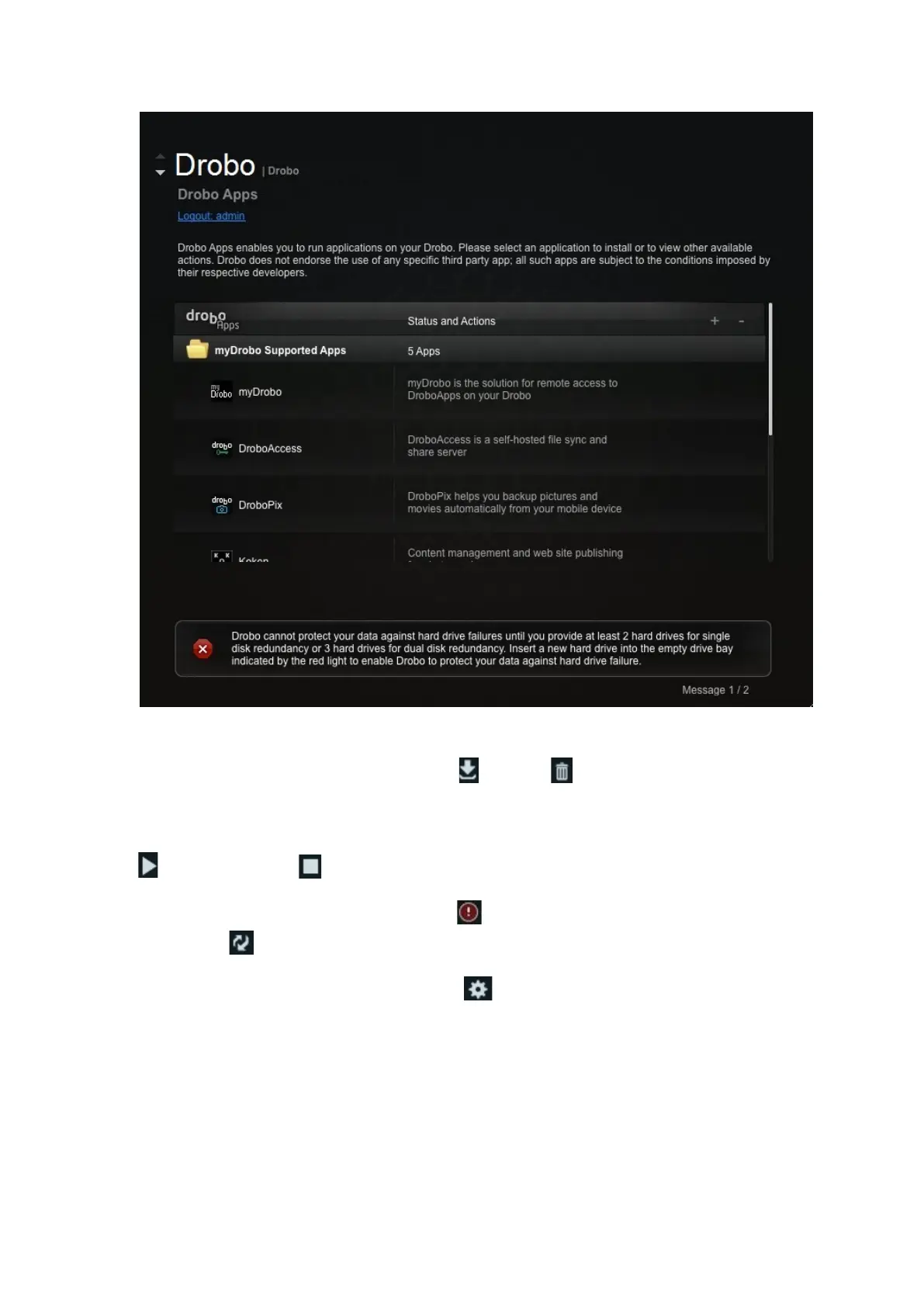
3. Select an application and do one of the following:
●
To install or uninstall the application, click the Install or Uninstall button, and follow the
directions.
●
To start an application that is not running, or to stop an application that is running, click
the Start button or the Stop button.
●
If an update is available for an application, an update warning icon displays. To perform an
update, click the Update button. Follow the directions to update the application.
●
To modify the application's settings, select the Config button. This opens a window,
enabling you to modify the application settings. Once you close the window, you are returned to
the Drobo Apps page.



 To Next Page