Specification
16
3.10 USB PORT
USB Port
USB 2.0 Device for connection to PC running DSE configuration suite only.
Max distance 6m (18 yards)
3.10.1 USB PORT USAGE
The USB port is provided to give a simple means of connection between a PC and the controller.
Using the DSE Configuration Suite Software, the operator is then able to control the module, starting
or stopping the generator, selecting operating modes, etc.
Additionally, the various operating parameters (such as output volts, oil pressure, etc.) of the remote
generator are available to be viewed or changed.
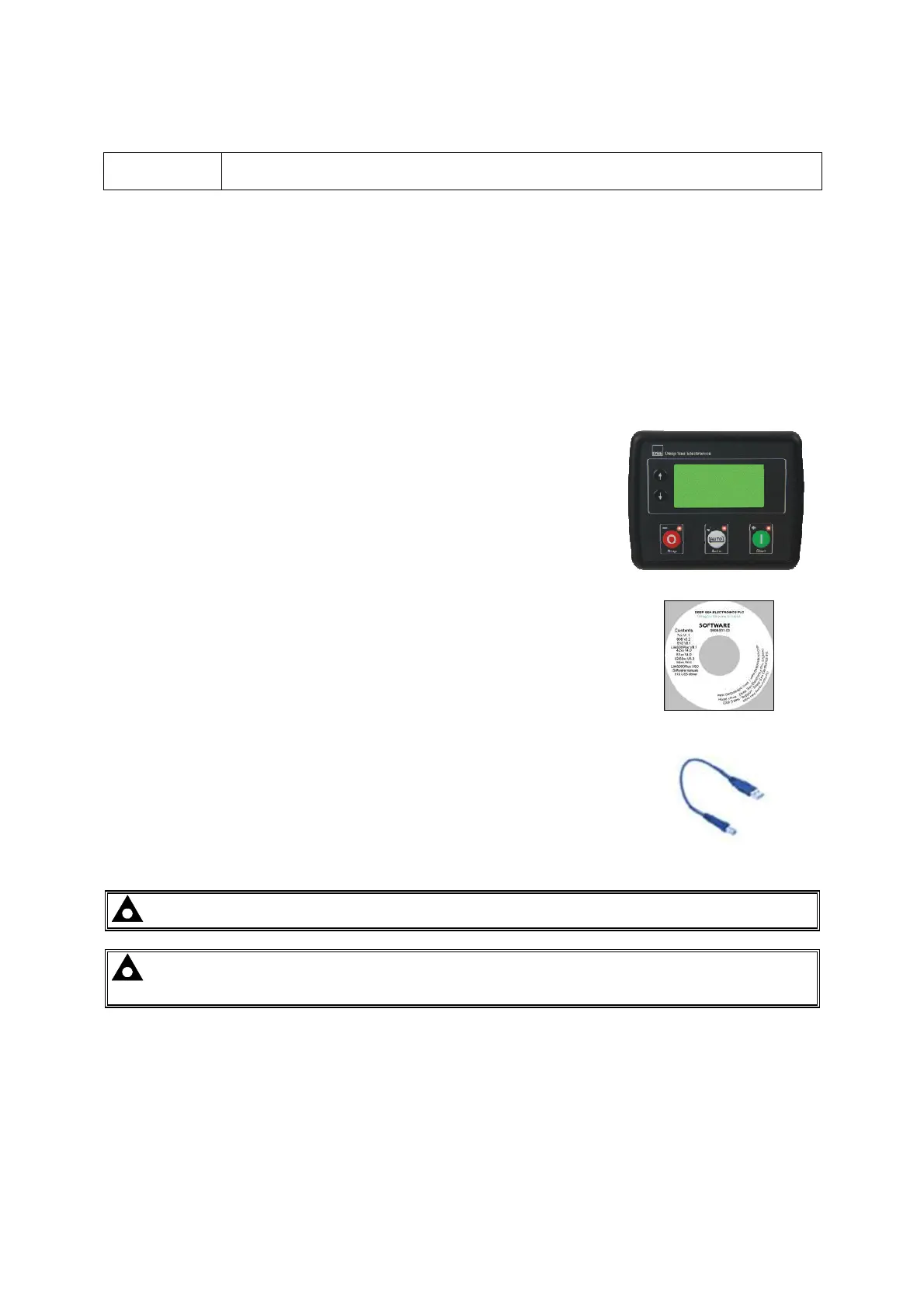
To connect a module to a PC by USB, the following items are required:
• DSE46xx Controller
• DSE Configuration Suite PC Software
(Supplied on configuration suite software CD or available from
www.deepseaplc.com).
• USB cable Type A to Type B.
(This is the same cable as often used between a PC and a USB
printer)
DSE can supply this cable if required :
PC Configuration interface lead (USB type A – type B) DSE
Part No 016-125
NOTE: The DC supply must be connected to the module for configuration by PC.
NOTE: For further details of module configuration, refer to DSE Publication: 057-201
DSE46xx Configuration Software Manual.



 To Next Page