Specifications
13
3.5 COMMUNICATION PORTS
USB Port
USB2.0 Device for connection to PC running DSE Configuration Suite
Max distance 6m (20 feet)
RS485 Serial
Port
Isolated
Data connection 2 wire + common
Half Duplex
Data direction control for Transmit (by s/w protocol)
Max Baud Rate 19200
External termination required (120Ω)
Max common mode offset 70V (on board protection transorb)
Max distance 1.2km (¾ mile)
Communication
Port
Reserved for connection to fascia mounted LCD display module.
3.5.1 USB CONNECTION
The USB port is provided to give a simple means of connection between a PC and the DSE9400
series battery charger. Using the DSE Configuration Suite Software, the operator is then configure
and monitor the state of the battery charger.
To connect a DSE9400 series battery charger to a PC by USB, the following items are required:
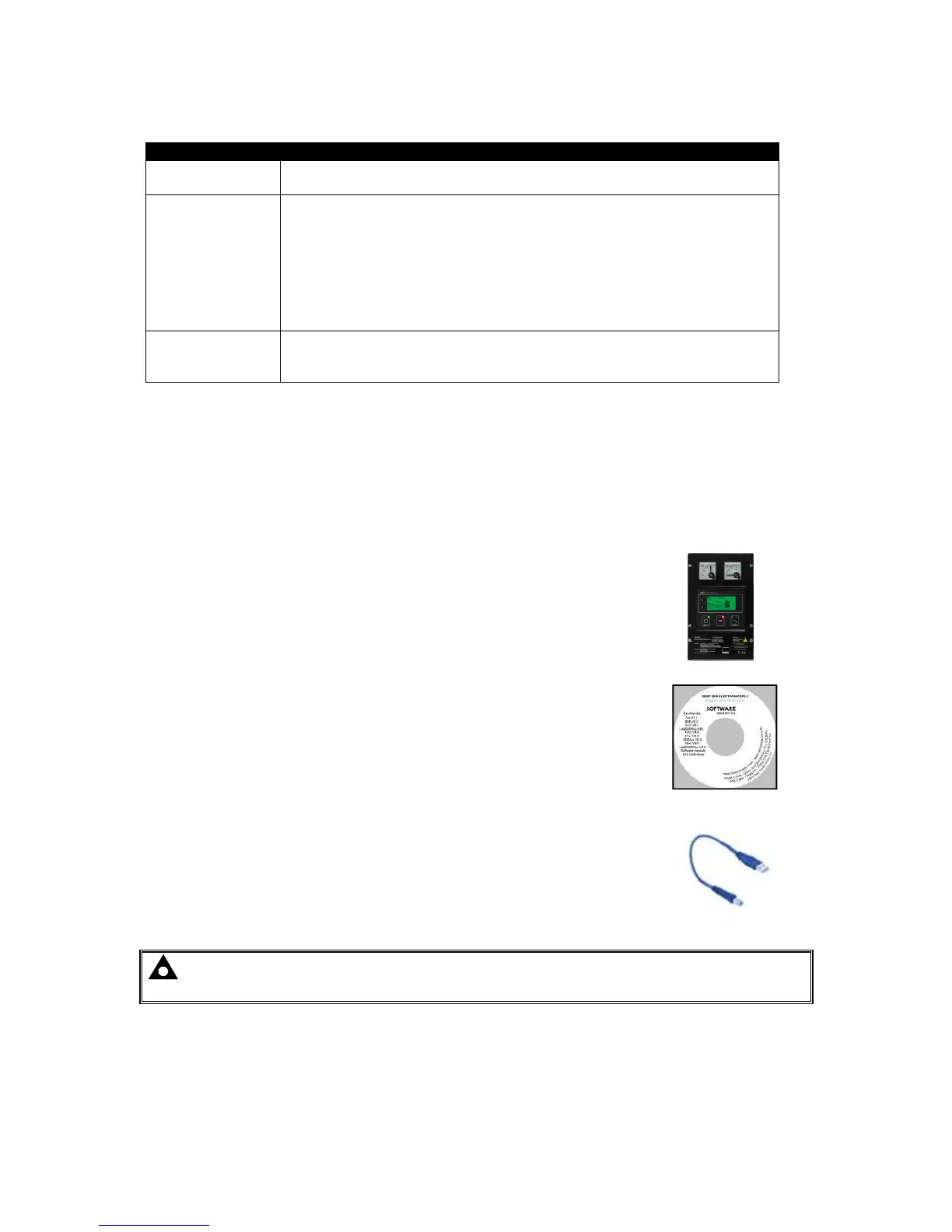
• DSE Enclosed Intelligent Battery Charger.
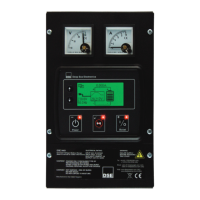
• DSE Configuration Suite Software
(Supplied on configuration suite software CD or available from
www.deepseaplc.com).
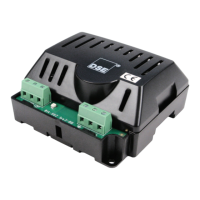
USB cable Type A to Type B.
(This is the same cable as often used between a PC and a USB
printer)
DSE can supply this cable if required :
PC Configuration interface lead (USB type A – type B)
DSE Part No 016-125
NOTE: - Refer to Enclosed Intelligent Battery Charger PC Software Configuration Manual
for further details on configuring and monitoring.



 To Next Page