Operation
30
6.2
OPERATION OF LCD DISPLAY
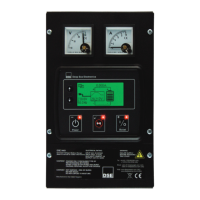
NOTE: LCD display is fitted only to the following model numbers : 9460-01, 9460-02, 9461-
01, 9461-02
NOTE: An external remotely connected LCD display can be added to models without the
enclosure mounted display. DSE Part Number 2541-02.
6.2.1 BACKLIGHT
The LCD backlight is ON while the module is powered and flashes up detection of an alarm condition.
6.2.2 LED
The Display Module has three integral LEDs to show operation status and fault conditions. Full details
are contained in the section entitled Indications elsewhere in this document.
6.2.3 CONTROL BUTTONS
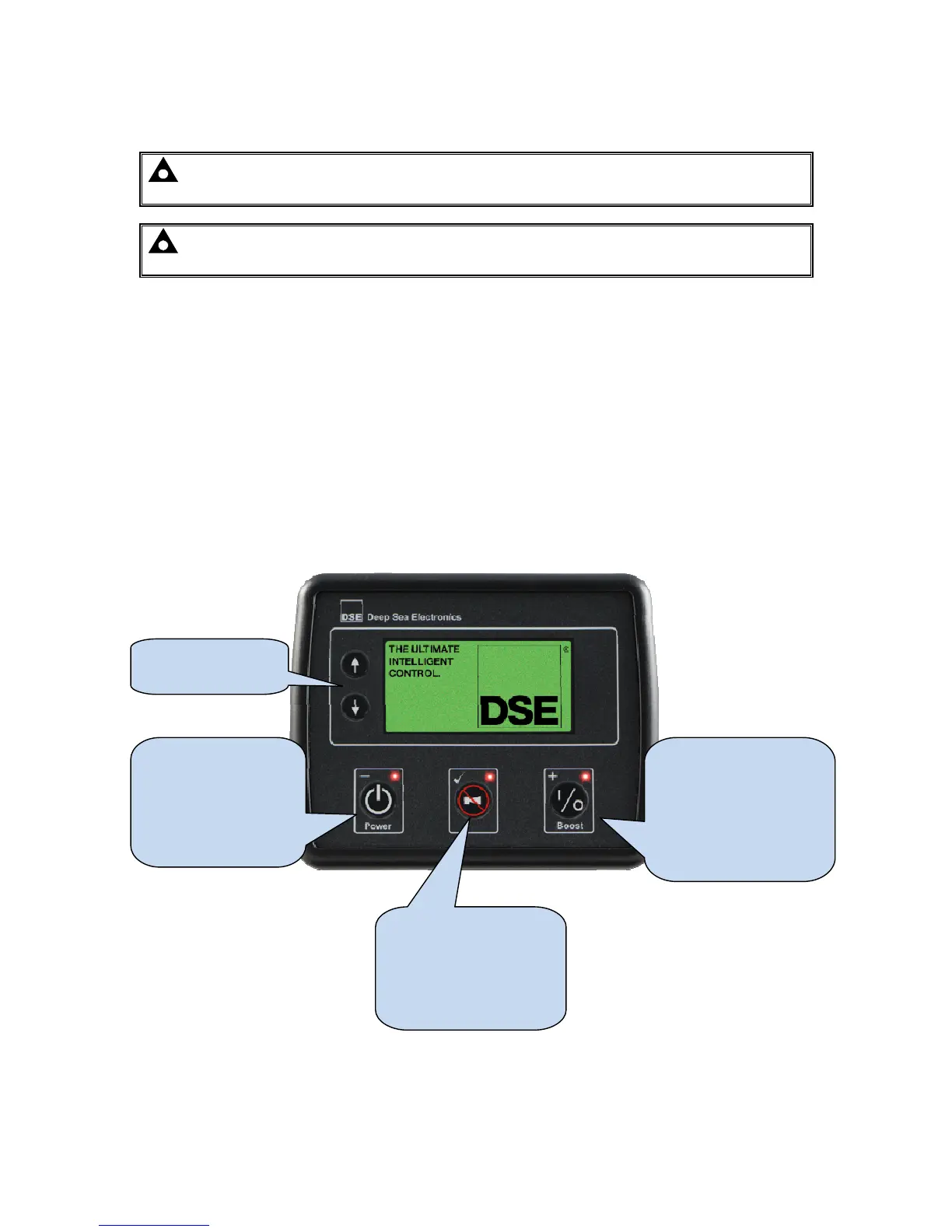
The LCD display has five control buttons :
Display Navigation
buttons
Toggles the power of
the battery charger.
Also used for the
decrement function
(-) in the Front Panel
Editor.
Toggles the boost
mode on the battery
charger.
Also used for the
increment function (+)
in the Front Panel
Editor.
Requests an alarm
clear on the battery
charger.
Also used for entering
and exiting the Front
Panel Editor ().



 To Next Page