EasyManua.ls Logo

DSE DSE9461 - EDITING AND EXITING THE EDITOR

Default Icon
50 pages
Print Icon
To Next Page IconTo Next Page
To Previous Page IconTo Previous Page
Loading...
Operation
38
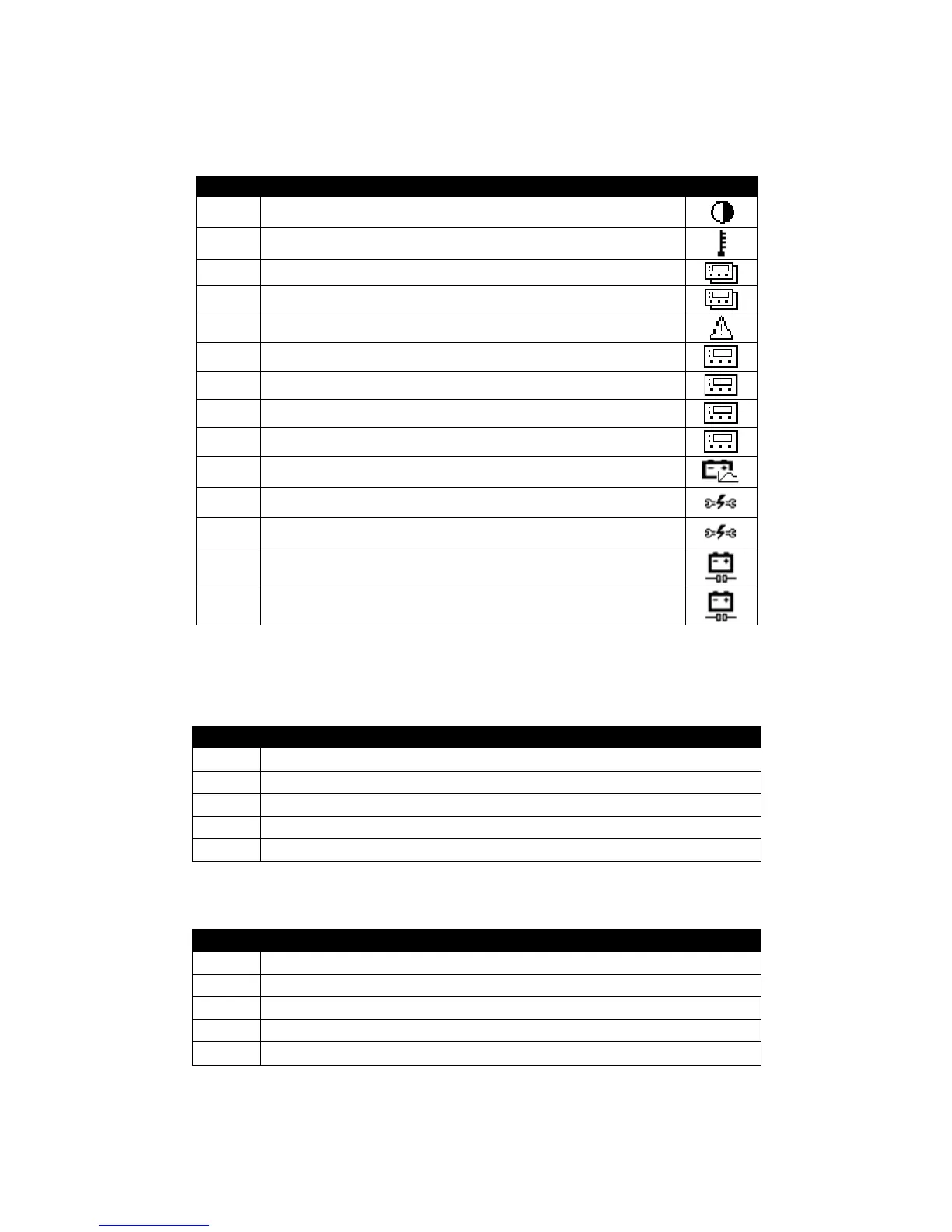
6.3.3 FRONT PANEL EDITOR PARAMETERS
6.3.3.1 PAGE 1 – MISCELLANEOUS
Index
Configuration item
Icon
100 Contrast
101 Temperature Units
102 Slave ID
103 Baud Rate
104 Enable Alarm Splash Screen
105 Page Timout Screen
106 Page Timeout
107 Sleep Mode Timeout
108 Digital Input Function
109 Battery Voltage
110 Battery Self Test Enabled
111 Battery Self Test Timer
112 Battery Detection Enabled
113 Battery Detection Rate
Parameter 105 – Page Timeout Screen selects the ‘main’ display screen. This is the screen that is
displayed after a period of inactivity (no buttons are pressed for the duration of Page Timeout
(parameter 106). It has the following possible selections :

Value
Function
0
Summary Page
1
Battery Information.
2
Mains Information.
3
Product Information.
4
Control Mode
Parameter 108 – Digital Input Function has the following possible selections :
Value
Function
0
Lamp Test
1
Charger Off
2
Enable Battery
Detection
3
Manual Boost
4
Switch Voltage Mode
(12V / 24V)

Related product manuals