DS5-AX User Manual Ver.0 2016. 03.17
19
To use Cradle
Plug the AC power cord into cradle and plug the other end into a wall outlet
Operating power of the terminal
Power on / off
Make a long press Power button at the right side of the terminal to turn on.
When you first turn on your device, you’ll see a Welcome screen. Choose the right
language you want and touch Start or the Start icon.
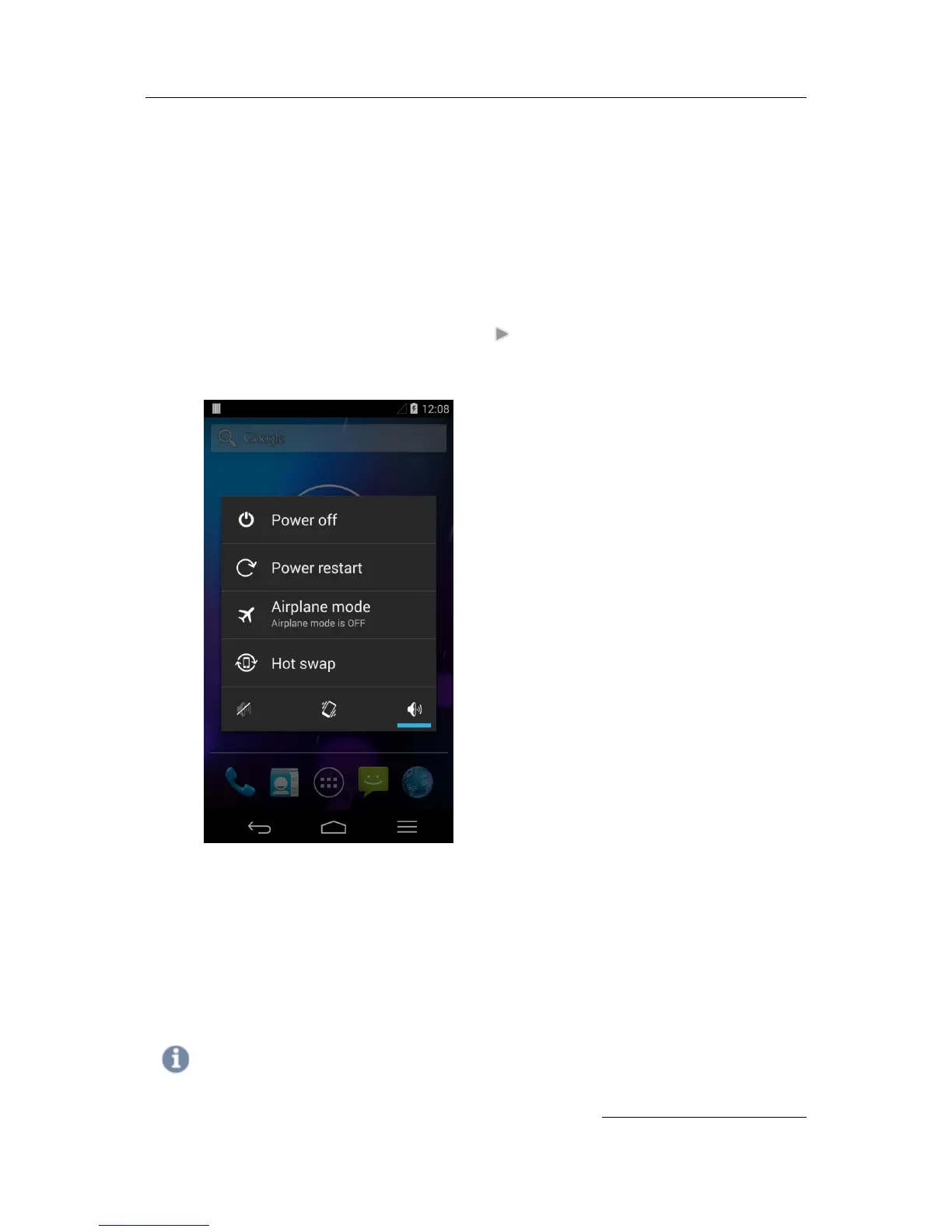
Make a long press Power button and select Power off
Sleep and Wake up
Press Power button shortly to enter Sleep, or Wake up the device
Power restart
Make a long press Power button at the right side of the terminal. Select Power restart.
Your device will shut down and restart
Note
In case you need to force to restart your device, such as device hang up, long press Power button for 10


 To Next Page