DS5-AX User Manual Ver.0 2016. 03.17
User Manual for DS5-AX September 2015 76
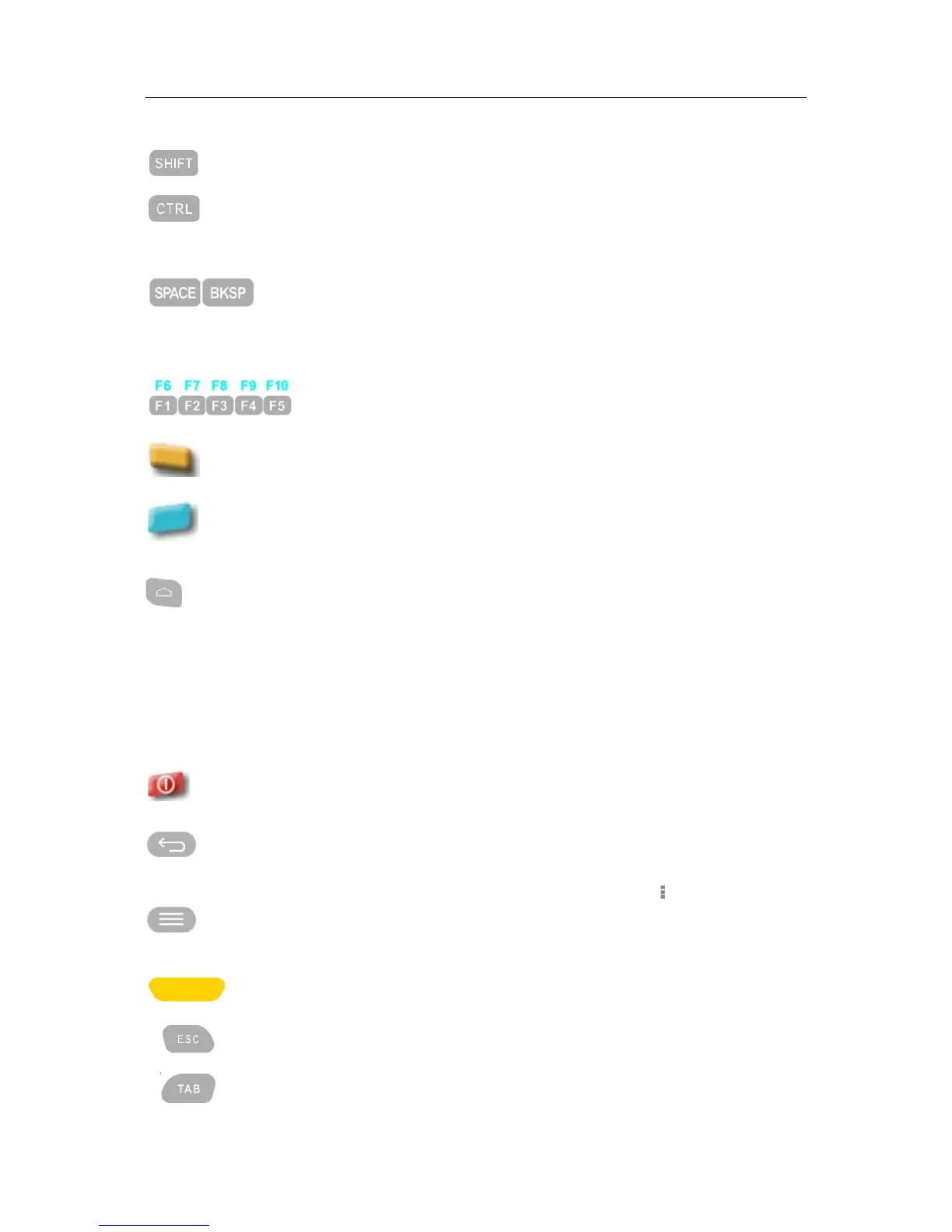
It is modifier key which is used to type capital letters and other
alternative upper characters.
It is modifier key which, when pressed in conjunction with another key,
performs a special operation, for example Ctrl+C. similar to the Shift key.
Pressing Blue modifier key, the function change to Alt key
Space: its main purpose is to conveniently enter a space.
Back Space: it moves the display cursor one position backwards, delete
the character at that position. And shift back the text after that position
by one position.
Programmable key buttons. Default F1~F5, press blue modifier key for
F6~F10
Function key to input Alphabet. Pressing 1 time is to apply single effect
and back to default. Press 2 times to keep the function continuously.
Function key to execute special function, or special characters. Press 1
time is to apply single effect and press 2 times to keep its function
continuously.
It opens central Home screen.
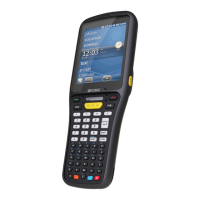
DS5-AX 54 Key Description
54 key has full alpha-numeric key board. Programmable keys are able to be assigned from F1 to
F20 using modifier keys.
Turns on the terminal and off.
Opens the previous screen you were working in, even if it was in a
different app. Once you back up to the Home screen, you can’t go back
any further.
Many screens in apps and Settings include either a menu icon or items
in the permanent Menu button at the bottom of the screen. Touch it to
explore additional options, including help.
Scanning button barcode scanner, or RFID
Exit the current operation
Tabulator key which is used to advance the cursor to the next tab stop.
With Orange modifier on, the function switch to back tab.


 To Next Page