DS5-AX User Manual Ver.0 2016. 03.17
20
seconds. Your device will shut down and restart
Hot swap
To replace your battery without shutting down your device system, long press the Power
button and select Hot swap. Then quickly replace battery. Blue LED shall be blinked.
Home Screen
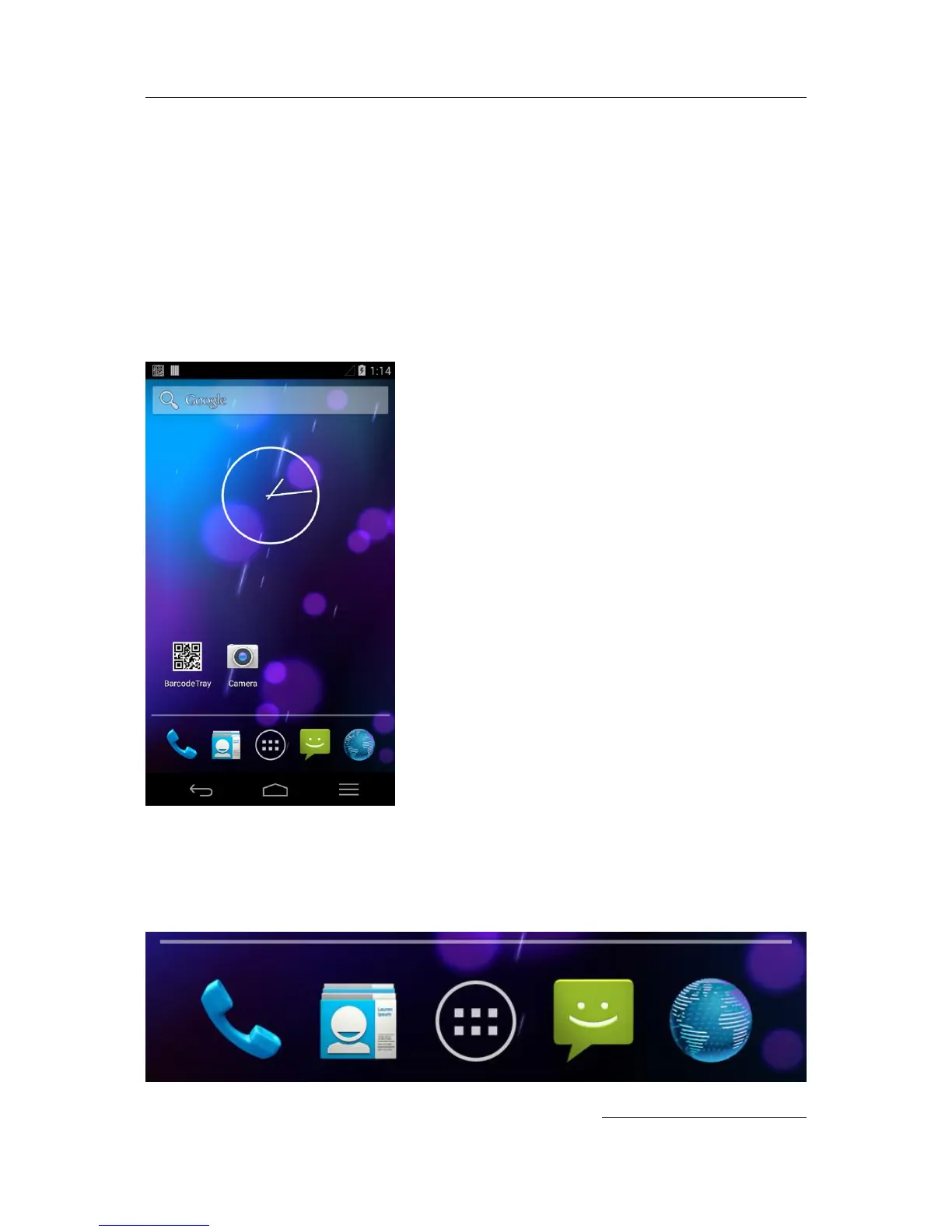
Make yourself at home. After you finish setting up your device, the Home screen appears for the
first time. To move between Home screens, swipe left or right.
Get around
At the bottom of every Home screen you’ll find the Favorites tray: another quick way to get to
your apps. Here’s what it looks like on a DS5-AX.


 To Next Page