The Camera app lets you take photos, panoramic photos, videos, and immersive 360-
degree photo sphere shots, including what’s above and below you.
To open Camera:
From the lock screen, swipe from right to left.
From the Home screen, touch the Camera icon.
The first time you open Camera, you may be asked if you want it to remember photo locations.
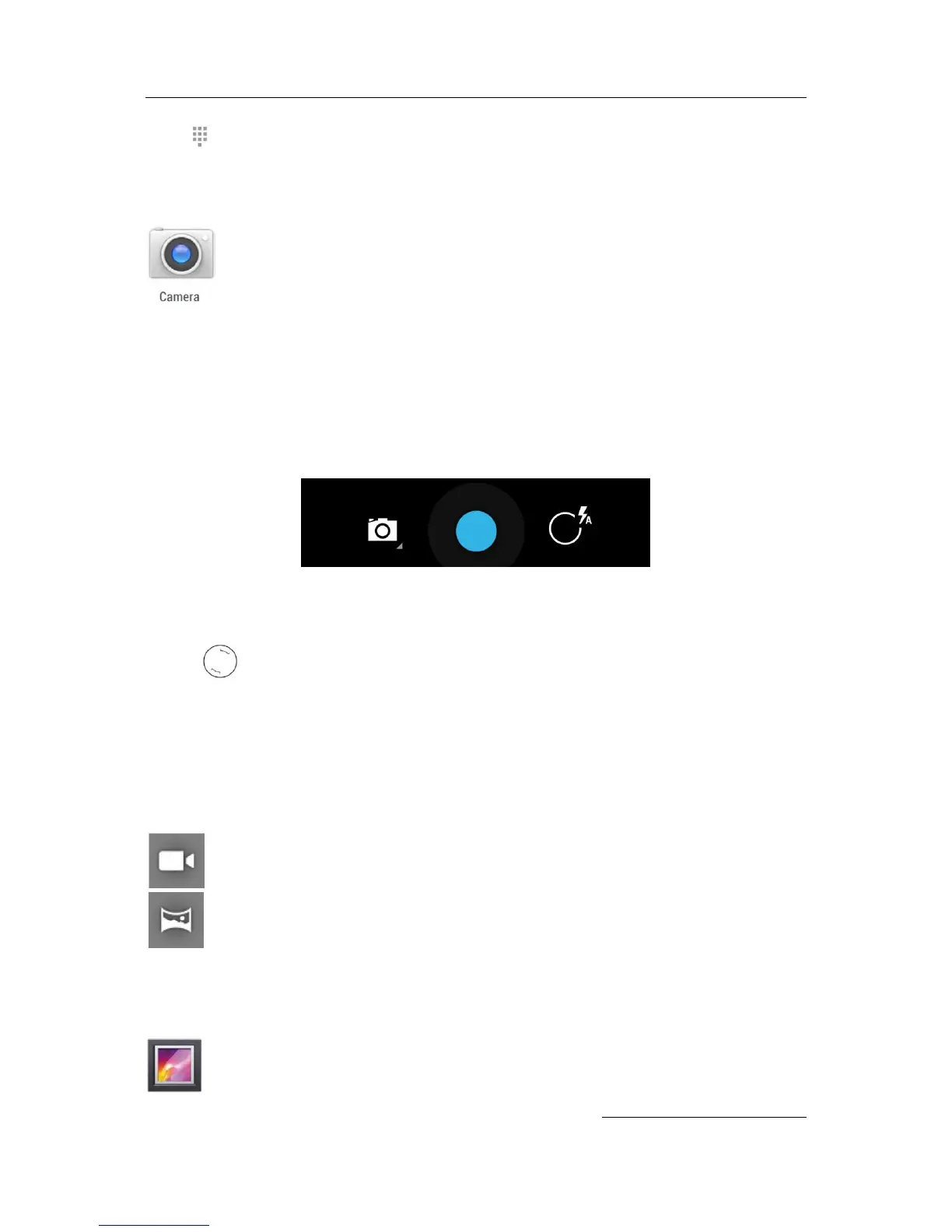
The shutter and other controls float above the framed image at the bottom of the screen.
The camera icon indicates Camera mode. To take a picture in this mode:
1. Frame your subject and watch for the focus ring:
To focus on a different part of the image, touch it.
2. When the focus ring brackets change color, touch the shutter.
3. To see the image you just took, swipe from right to left.
Keep swiping to see other images in your Gallery.
To change to a different mode, touch the Mode icon:
Panorama
To take a panoramic , touch the blue shutter button, slowly pan across the scene, and
touch the button again to stop.
Gallery
The Gallery app gives you an easy way to browse pictures and videos you’ve taken
with Camera. It also displays screenshots and auto backups from other devices.


 To Next Page