DS5-AX User Manual Ver.0 2016. 03.17
35
Enter characters on Full Alphanumeric Keypad
Following explains how to make continuous character input. For single character input, please
refer Key Strokes.
Input numeric
- Press required numeric key button from 1~0.
- With modifier keys, special functions can be programmable from F1 to F20.
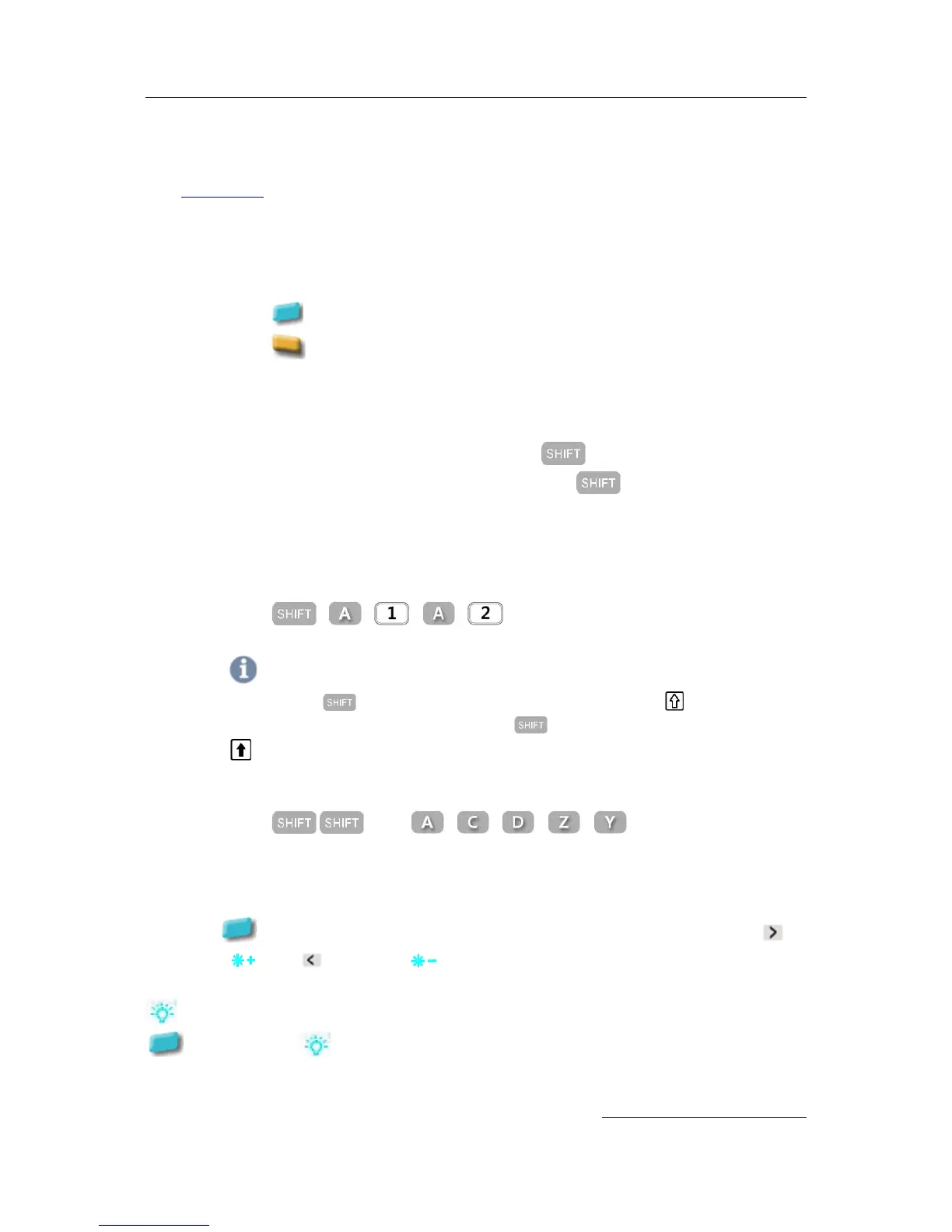
- Press , then press Numeric key to use F1 ~ F10.
- Press to use F11 ~ F20
Input Alphabet
- Default input is lower alphabet character
- In case single Alphabet character input, press then press a Alphabet
- In case continuous Alphabet character input, press twice then press Alphabet
keys
For Example
- Input A1a2
- Press , , , ,
Note
When you press key 1 time, it is effective only 1 time. Input icon status:
If you need continuous upper character input, press twice to fix the function. Input icon status:
- Input ACDZY
- Press , then , , , ,
Configure the Display Back Light
Set LCD display brightness of your terminal.
Press twice , then configure level of your favorable LCD back light brightness pressing
to brighter ( ) and to dimmer ( ). Dimmer lessens power consumption of the terminal.
function lets you to switch back and forth to the brightness you have configured. Press
button and then to dimmed brightness, and press again the button to back to the
brighter display.


 To Next Page