DS5-AX User Manual Ver.0 2016. 03.17
32
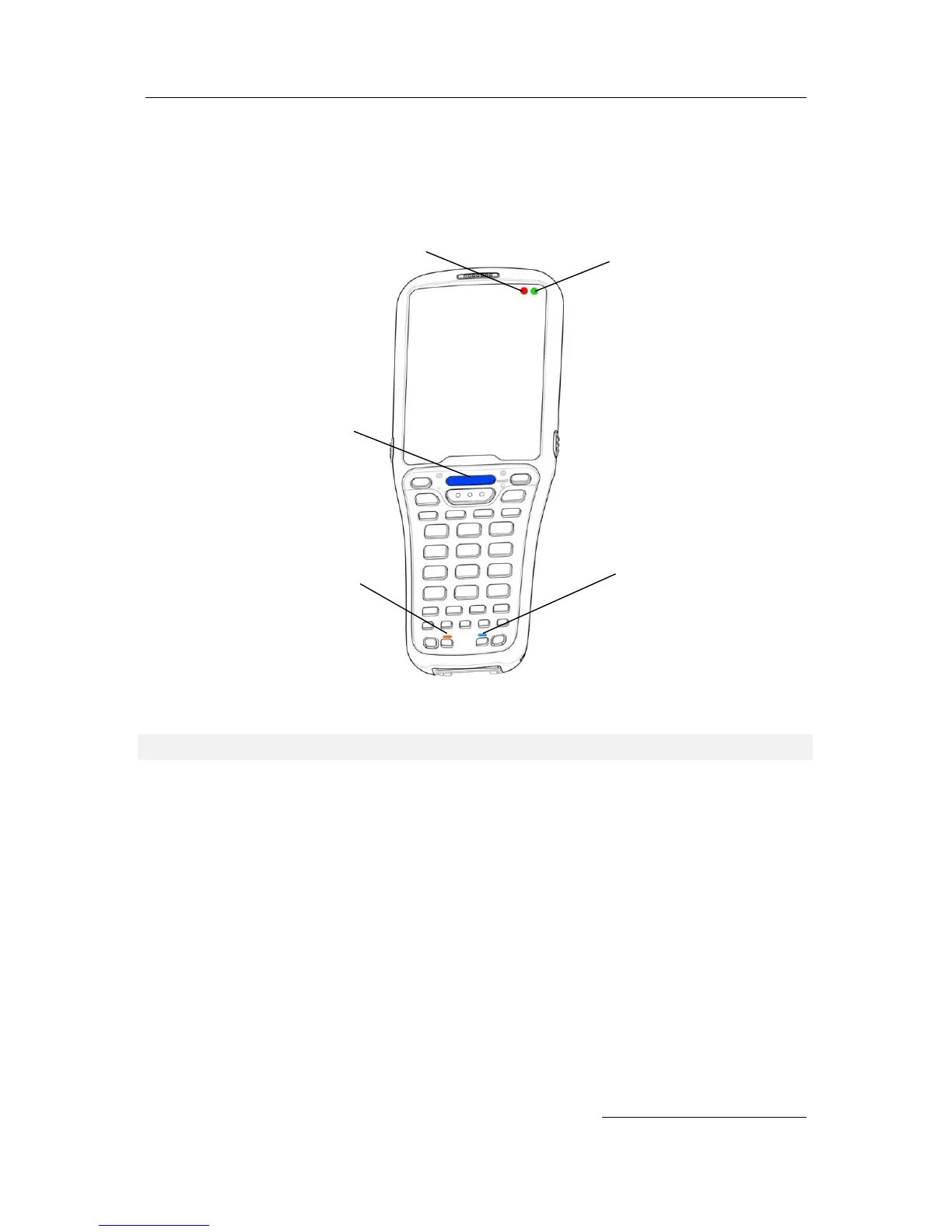
LEDs
LED indicates status of the terminal in power sourcing, data capture, network connection
Location of the DS5 Status LEDs
LED Appearance upon terminal feature
Good read barcode, or RFID
The terminal is in charging status
The terminal has fully charged
Phone off status, or modem is not included in
the terminal configuration
When battery change when select Hot Swap
menu


 To Next Page