DS5-AX User Manual Ver.0 2016. 03.17
30
touch & hold Shift key while you type. When you release the key, the lowercase
letters reappear.
Turn caps lock on. Double-tap or touch & hold Shift key, so it changes to .
Touch Shift key again to return to lowercase.
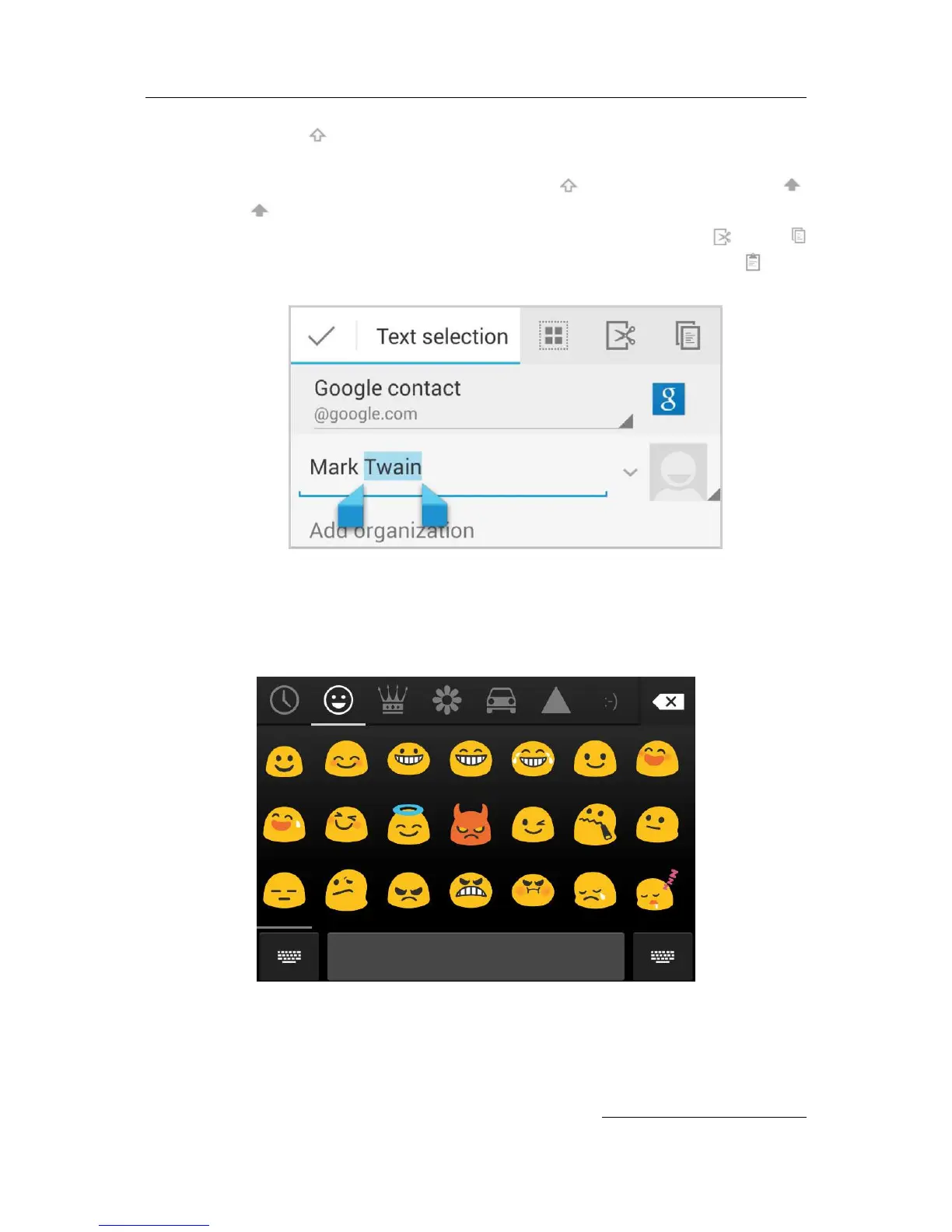
Cut, copy, paste. Select the text you want to manipulate. Then touch the Cut or
Copy icons. If there’s something on the clipboard to paste, you’ll also see a paste
button:
Emoji
Android 4.4 vastly expands the variety of emoji available at your fingertips. Touch and hold the
Return key to display emoji. You‘ll see a panel like this. To move between categories, swipe left or
right or touch the symbols in the top row. To type an emoji, touch it:
Use next-word suggestions
1. Touch the location where you want to input text.
2. Start typing out a word. When the word you want is displayed in a list above the key


 To Next Page