24
Screenshots
To take a screenshot from DS4A:
1. Make sure the image you want to capture is displayed on the screen.
2. Press the Power button and Volume down button simultaneously.
(Volume down: + )
The screenshot is automatically saved in your Gallery.
TIP: To easily share your screenshot via message, or Bluetooth, and email, swipe down the notification shade and
touch the Share icon, and select application you want to share with.
Barcode Scanning
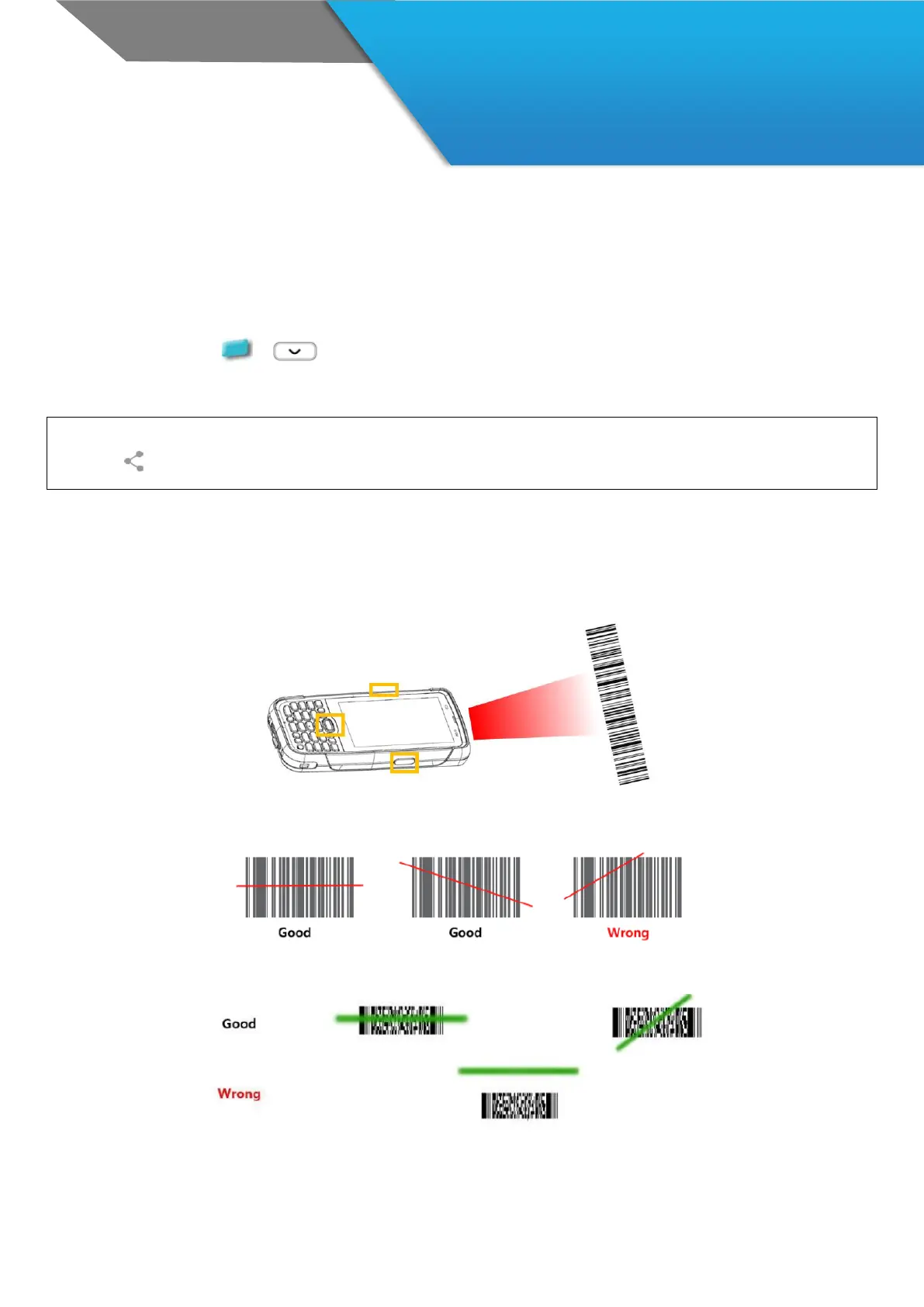
Scan the barcode by pressing Scan Trigger buttons of DS4A
Aim 1D barcode
Aim the scanner when scanning 1D Barcode.
Aim 2D barcode
Aim the scanner when scanning 2D Barcode.



 To Next Page