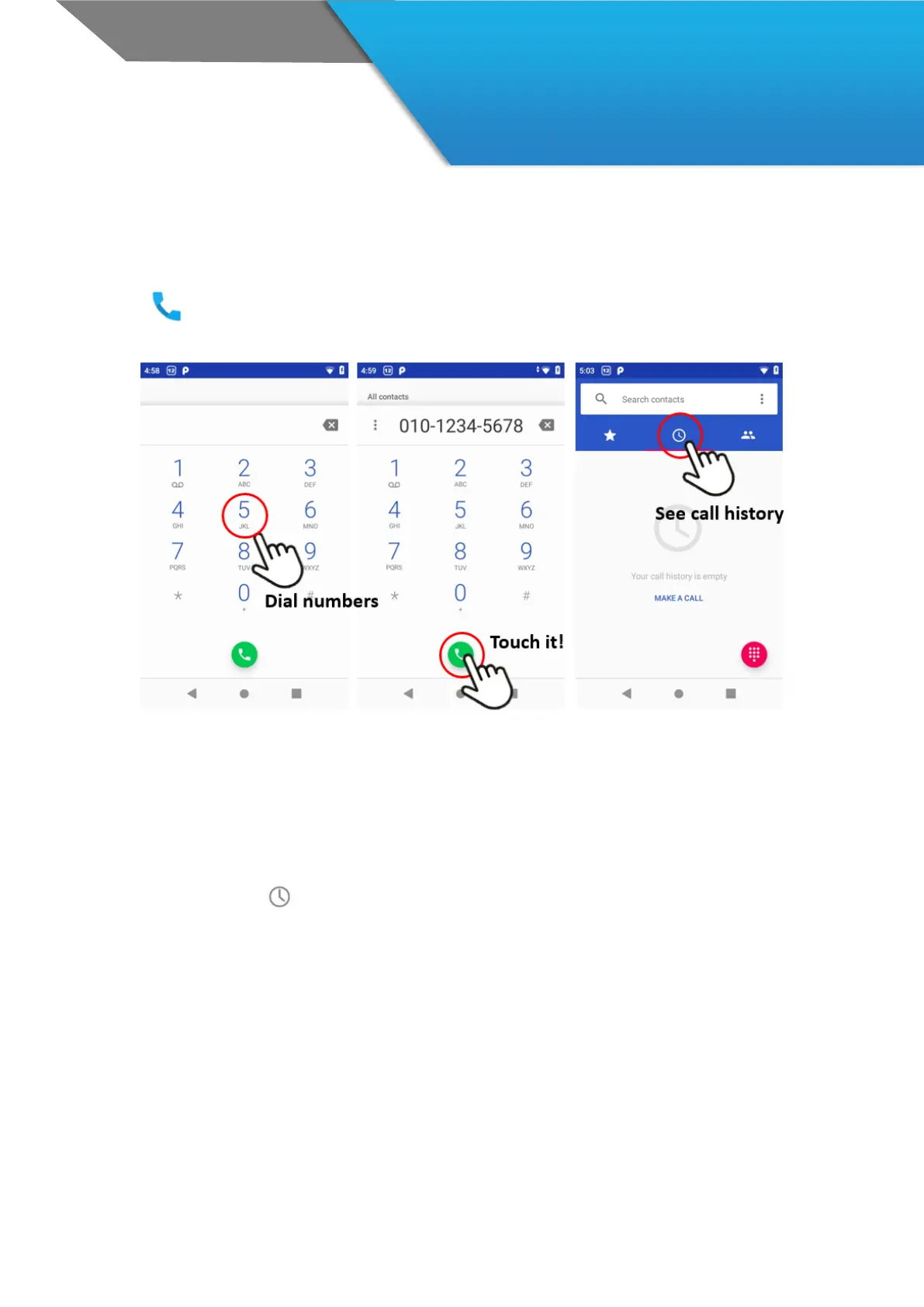
Using a DS4A, you can place calls from the Phone app, the People app, or other apps or
widgets that display contact information. Wherever you see a phone number, you can
usually touch it to dial.
To place a call to one of your contacts:
1. Touch the Phone icon on a Home or All Apps screen
2. To choose someone to call, scroll or search. If the keypad’s in the way, touch the Back button to lower it.
3. To place a call, touch the contact’s name.
To view recent calls, touch the call log icon at the menu tap.



 To Next Page