35
CHAPTER 7: ACCESSIBILITY
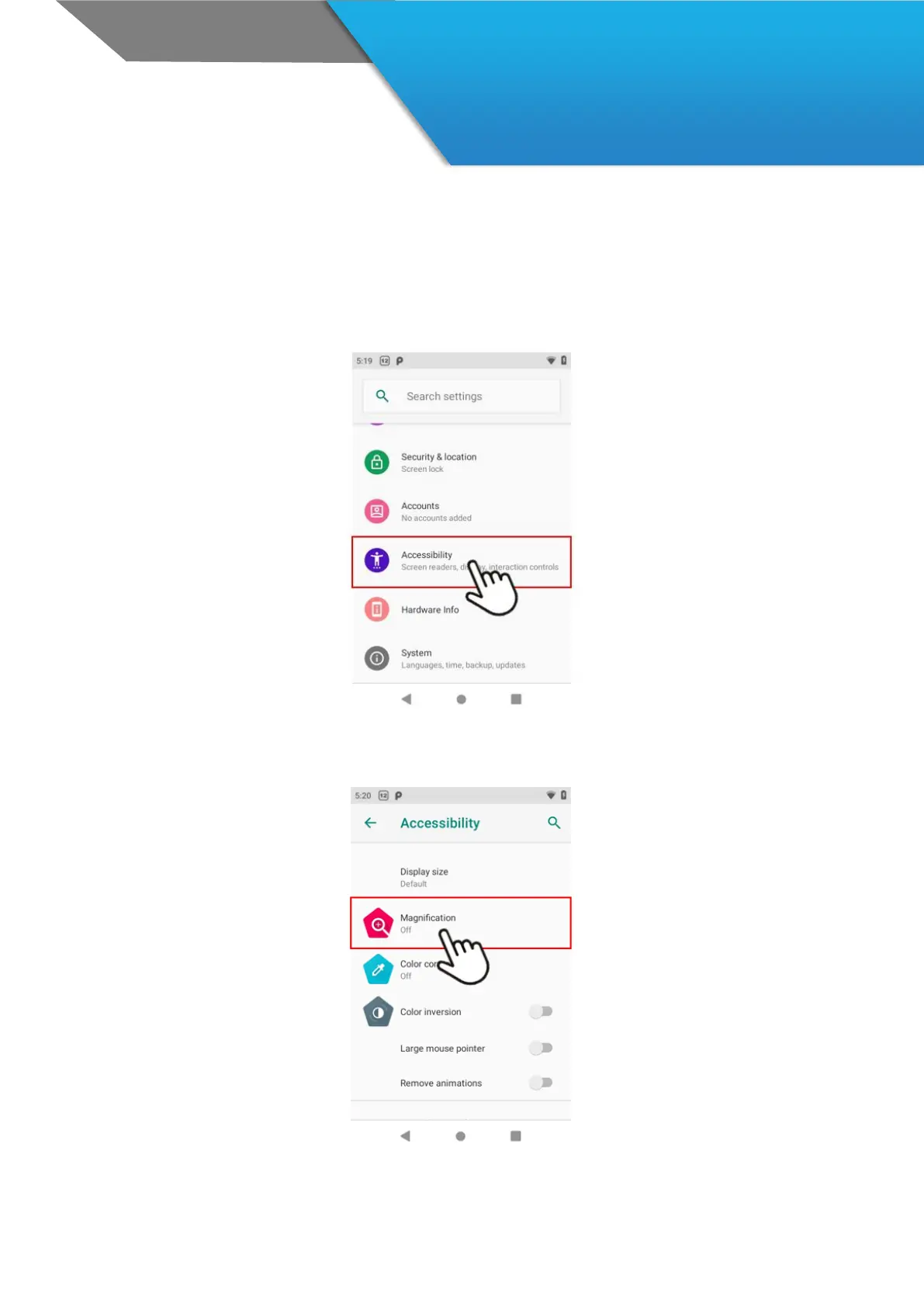
To use the accessibility options, open Settings > System > Accessibility.
Accessibility settings let you modify your device’s display and sound options, such as increasing the text size,
changing the speed at which text is spoken, and more.
You can also try magnification gestures which allow you to zoom in and out, as well as temporarily magnify what’s
under your finger. To try magnification gestures, go to Settings > Accessibility > Magnification gestures.



 To Next Page