58
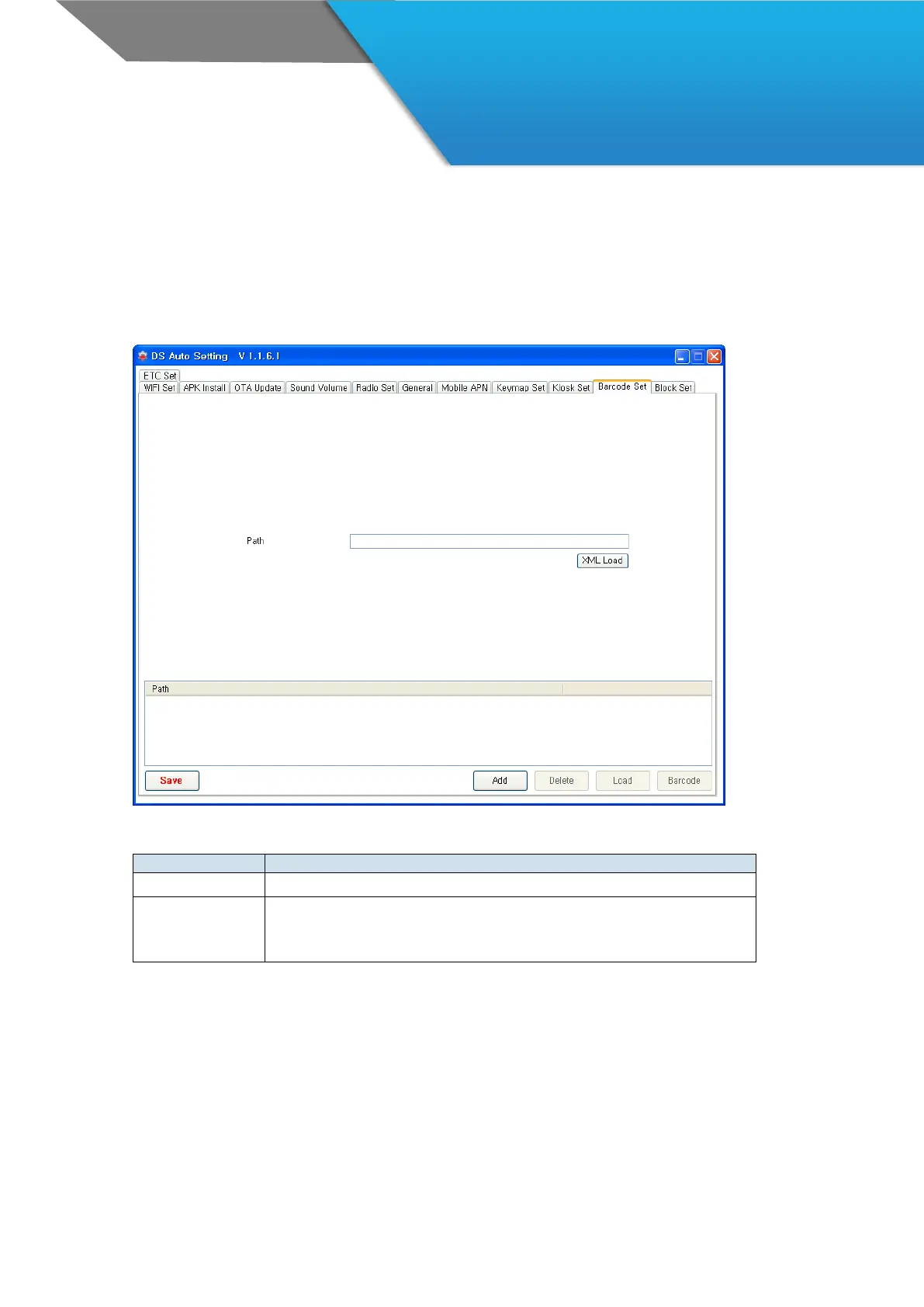
AutoSetting 10 – Barcode Set
You can import Barcode Tray configuration automatically.
First, export the barcode setting file from ‘Setup Export/Import’ menu of Barcode Tray.
(ex. SE4500_SETTINGS.xml).
Then, apply this setting to other devices by AutoSetting barcode.
· You can select the barcode setting file
(ex. SE4500_SETTINGS.xml) from dialog box.
· The file extension is ‘.xml’



 To Next Page