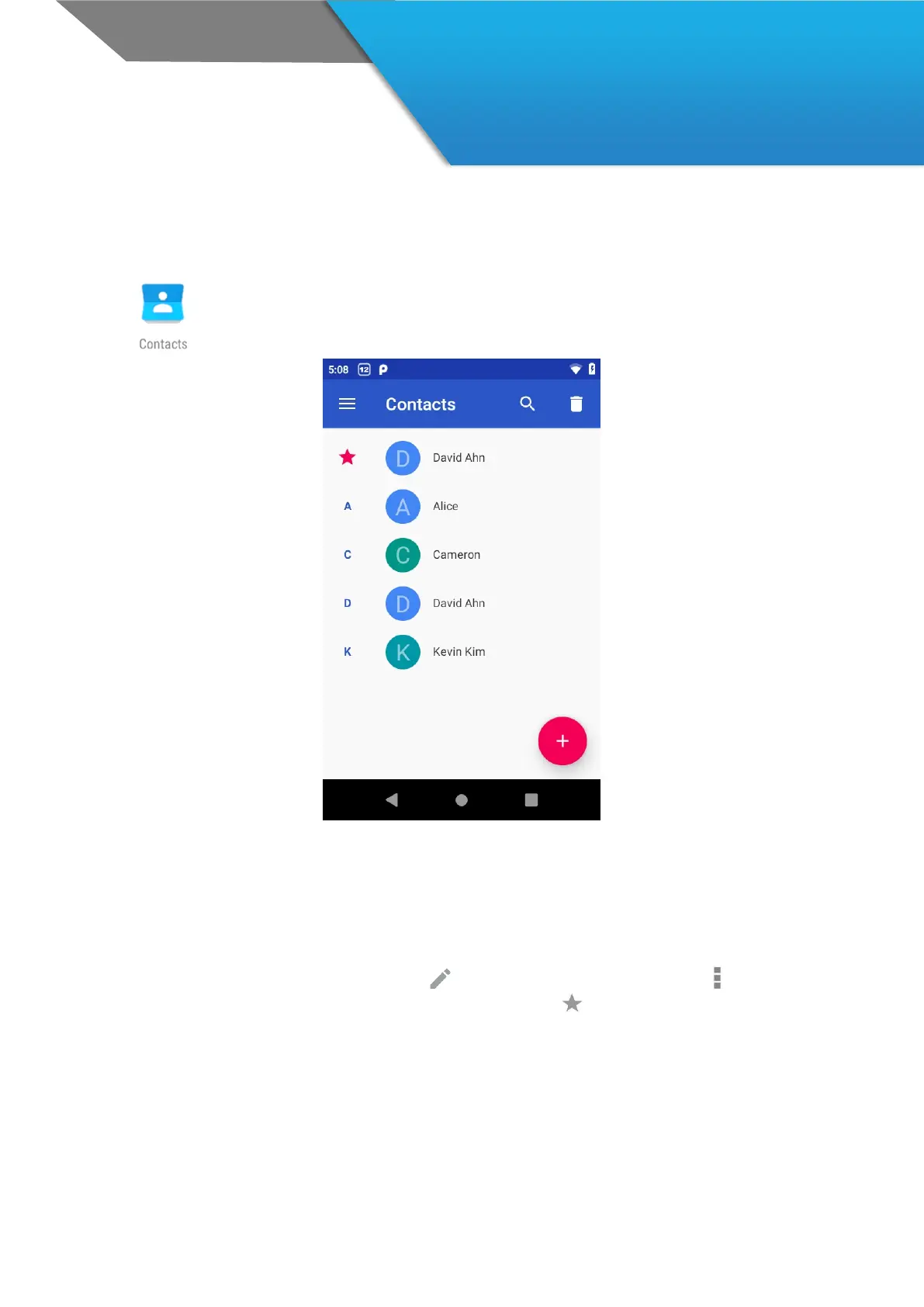
The Contacts app gives you quick access to everyone you want to reach. To open it, touch
the Contacts icon on a Home or All Apps screen. When using a new device, you can import
contacts via “.vcf” file
When you open the Contact app, you can:
View all contacts, or favorites. Favorites contacts has sorted with star.
Read details. Touch a name to see details for a contact or group.
Edit details. While viewing a contact, touch icons at the top of the screen or the Menu icon to edit or
share contact details, delete a contact, and so on. You can touch the star icon in contact’s name to add that
contact to your Favorites list.
Change your settings. While viewing the main list screen, touch the menu to import or export contacts, choose
display options for the Group and All tabs, and add or edit accounts.



 To Next Page