The Gallery app gives you an easy way to browse pictures and videos you’ve taken with
Camera. It also displays screenshots and auto backups from other devices.
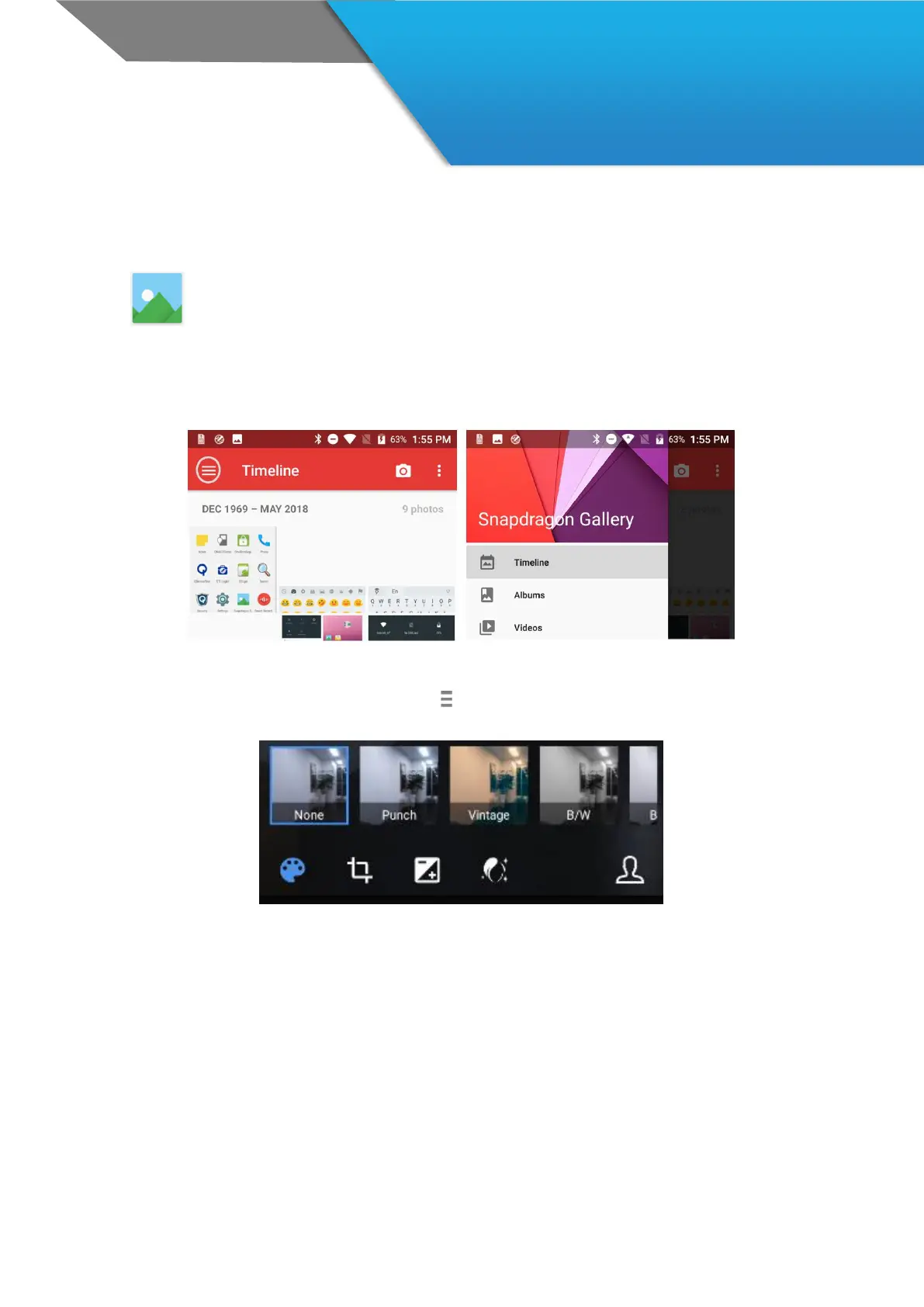
To open Gallery from the:
Camera app. Touch the thumbnail image at the bottom.
Home screen. Touch the Gallery icon.
To get to the top level of the Gallery app, touch the icon at the upper left. From there, open the slide-out side bar to
view the available categories.
Within each category you can browse groups of images, crop, edit, and tag them, create slideshows, make pictures or
videos available offline, and share with friends.



 To Next Page