28
Enter characters on Numeric Keypad
Following explains how to make continuous character input. For single character input, please refer Key
Strokes.
You need to use orange modifier key and blue modifier key to access all characters and
functions on Numeric Keypad.
Input lower character continuously
- Press twice
- Press hardware key 1 to 4 times to select the alphabet you need.
- Press one time to return to numeric input
Input upper character continuously
- Press twice
- Press one time, then shall be displayed right bottom of the screen.
- Press hardware key 1 to 4 times to select the alphabet you need.
- Press one time to return lower character
- Press one time to return to numeric input
For example
- type DEF
- Press twice, once, , ,
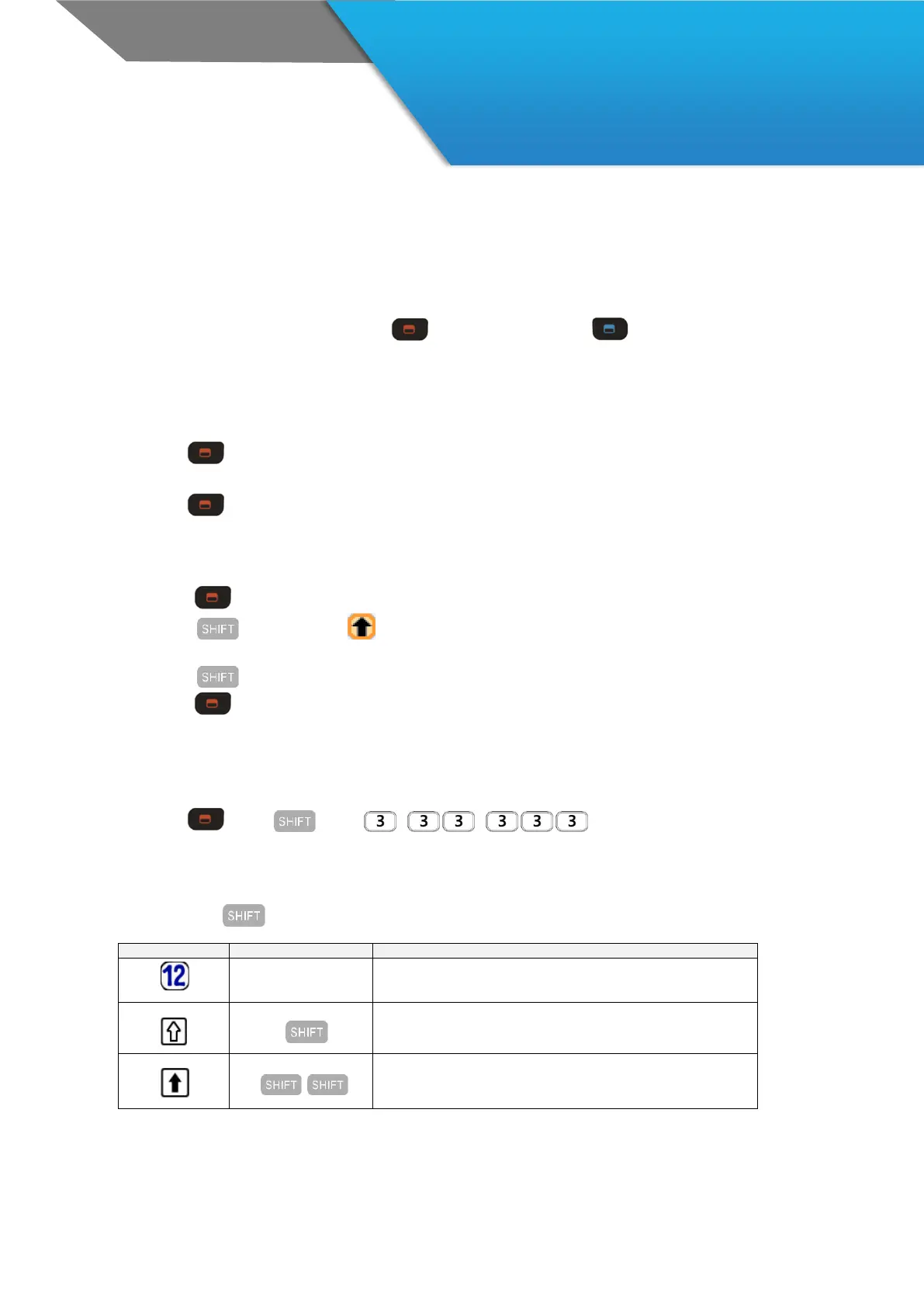
Usage of Shift key
Upon repetition of key press, input method varied



 To Next Page