47
APPENDIX Ⅰ AUTO SETTING
DS4A’s Auto Setting is PC-based program. It can create barcodes and apply the DS4A setting quickly. Below are the
functions you can set by Auto Setting.
- Wifi Set
- APK Install
- OTA Update
- Sound volume
- Radio Set
- General
- Mobile APN
- Keymap Set
- Kiosk Set
- Barcode Set
- Block Set
Download DS_Auto Setting program
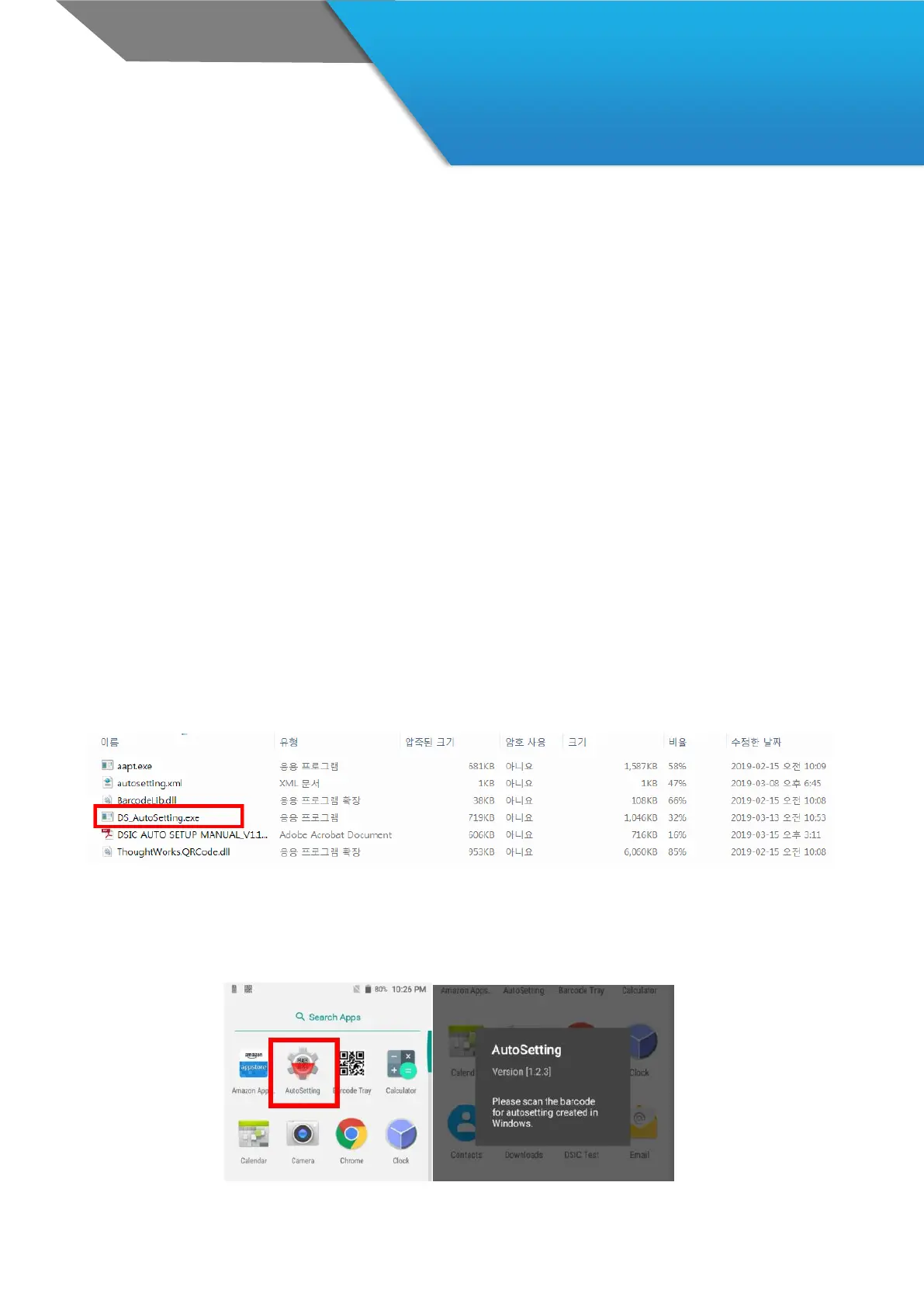
Connect the DSA to PC, and copy the program (DS_AutoSetting.zip) into PC.
In your DS4A, follow the path as Menu > FileManager > All Files > INTERNAL > DS_AutoSetting.
Unzip it and run the file in your PC.
With this program, you will create the barcode for Auto-setting.
Barcode Scanning
After creating the barcode, you need to read the barcode with AutoSetting app in DS4A.



 To Next Page