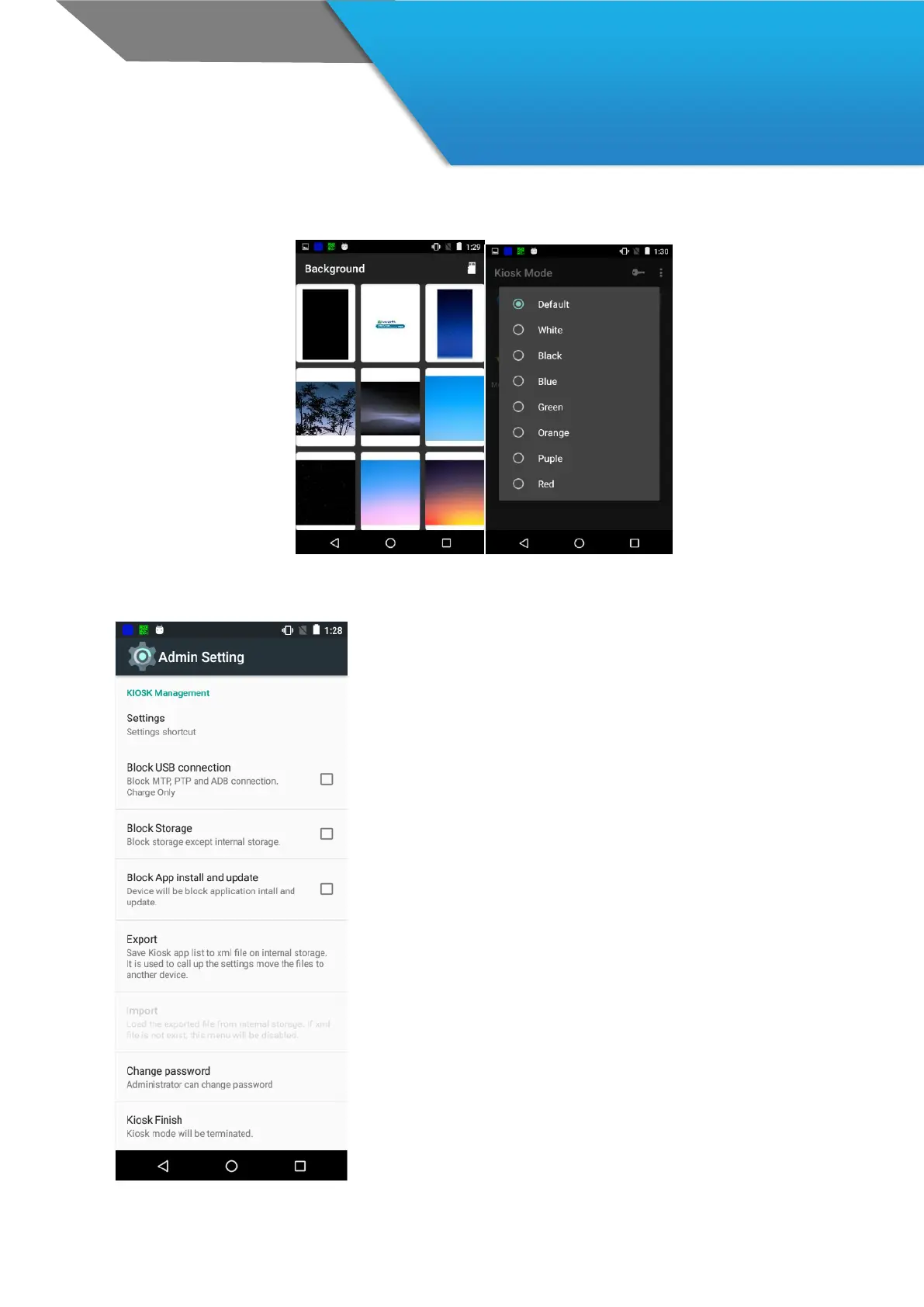
Settings
Go to “Setting”
Block USB connection
Limit access by USB connection
Block Storage
Limit access to storages not allowed.
Block App install and update
Limit installation and update the apps.
Export
You can export KIOSK setting information of the device by
email, or xml file, such as allowed APP List, KIOSK On, KISOK
Off and new password.
Import
Import the Kiosk setting with xml file
Change password
Kiosk Finish



 To Next Page