5
1 5 6
8910
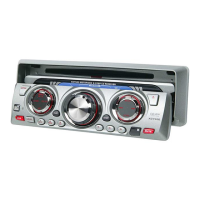
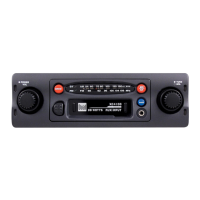
Power/Volume
Band
Stereo Indicator
FM Indicator
Mono/Stereo
Tuning
Balance
Bass Boost
Auxiliary Input
Eject/Fast Forward
1
2
3
8
4
5
6
9
10
7
Turn POWER knob clockwise to turn the unit on. Turn POWER
knob counter-clockwise until a click is heard to turn the unit
off.
Insert a cassette to begin playback.
Turn POWER knob clockwise or eject cassette to begin or
resume tuner operation.
Insert a standard 3.5 mm (audio line output or headphone
output) plug into the auxiliary input to listen to a portable CD
or media player.
Power On/Off
Cassette Mode
Tuner Mode
Auxiliary Mode
2 3 4 7
XC4100 OPERATION
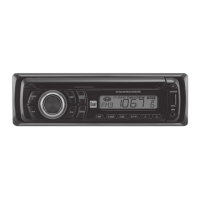
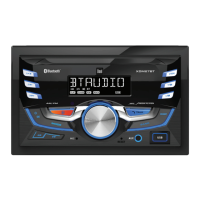
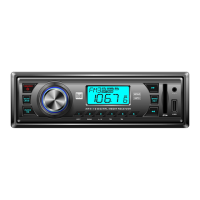
Control Locations
General Operation


 To Next Page