24
XML8150 OPERATION
Bluetooth
®
Operation
Making a Phone Call
•Press once."ENTERNUM"willbeshown,thenan"_"
willappearonthedisplay.
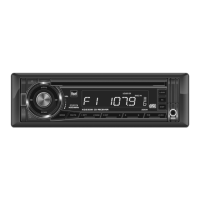
•Usingtheremotecontrol,enterthephonenumberusing
the0-9buttons.Press ontheremotecontrolor
XML8150frontpaneltobegindialing.
Note:Placingaphonecallfromyourcellphonewillalsouse
theBluetoothfunctionoftheXML8150.
•Press twicefromBluetoothmodetoviewthe10most
recentphonecallsthatweredialed,receivedormissed
whileconnectedtotheXML8150.
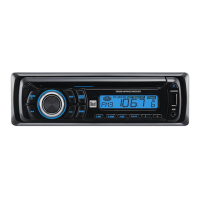
•Turnthevolumeknobtocyclethroughtherecentphone
numbers.PressSELECTor todialthephonenumber.
Toredialthelastphonenumber,press threetimesfrom
Bluetoothmode.Dialingwillbeginautomatically.
Manual Dialing
Recent Calls List
Redialing the last number
Receiving and Ending Phone Calls
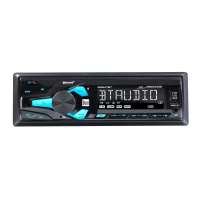
Incomingphonecallswillautomaticallyappearonthe
displayandaringtonewillbeheard.
Note:Thevolumeoftheringtonedependsonthevolume
leveloftheXML8150.Theincomingringtonemaynotbe
heardifthevolumeissettoalowlevelormuteisactivated.
•Press toreceivetheincomingphonecall.
•Press torefusetheincomingphonecall.
Note:IfAUTO ANS is set to ONinthesetupmenu,allphone
callswillbereceivedautomatically.
Duringanactivephonecall,press toendaphonecall.
Ifthephonecallwasreceivedwhenlisteningtomusicin
anothermode,theXML8150willresumethepreviousmode.
Receiving a Phone Call
Ending a Phone Call


 To Next Page