Title
Installation DALMx000 IP/2G/3G
File name: Installation DALMx000 IP_2G_3G EN r3 Page 16 (18)
6.1.2 DIP Switches
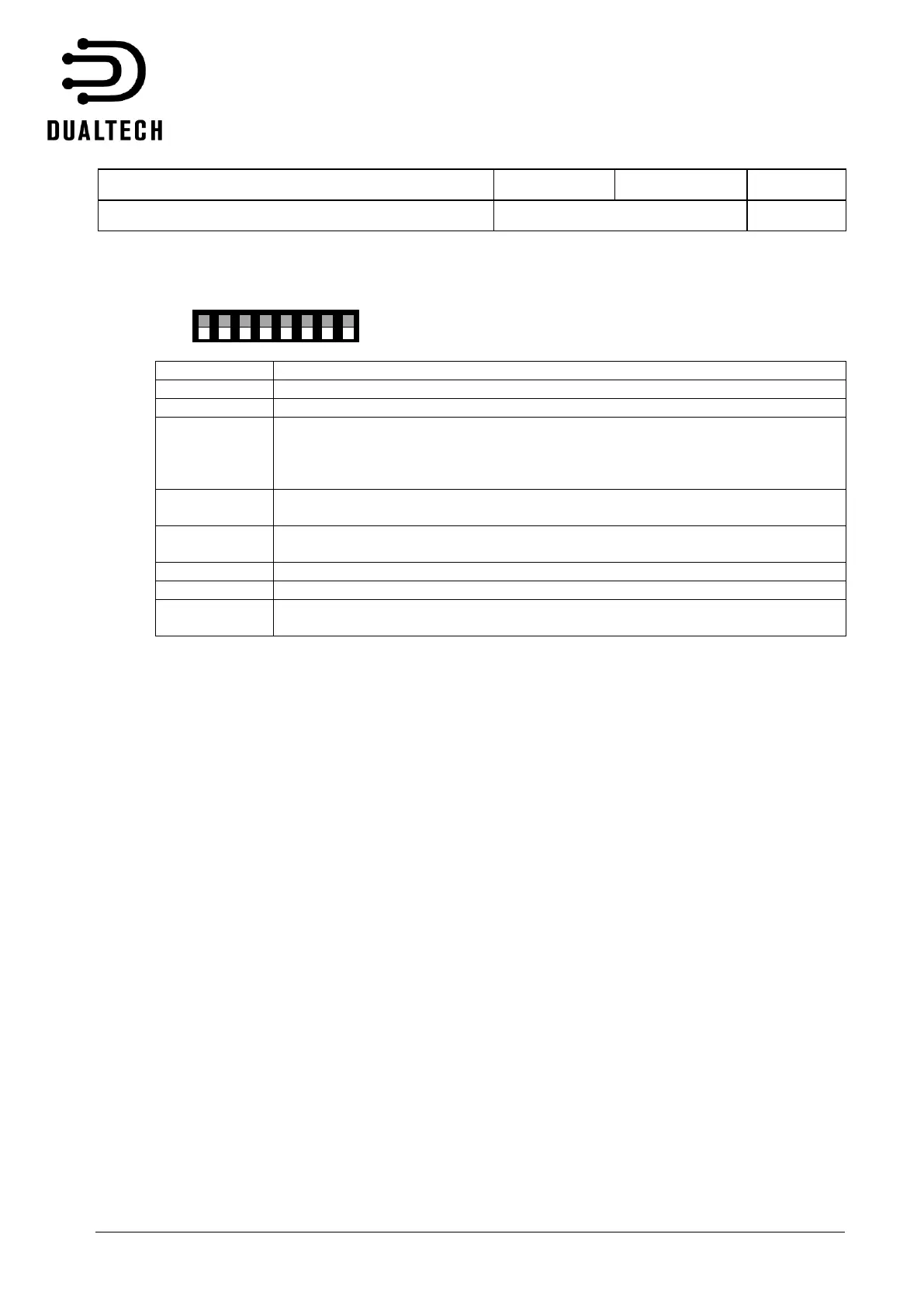
DALMx000 has 8 x DIP switches with the following function when DIP switch is ”ON”.
Factory reset
If DIP is ON at power up, the device resumes its factory settings, i.e. all
configuration deleted. NOTE: After system reset, remember to restore DIP 3 to
OFF position after the device has started.
Signal strength for GSM mobile network indicated by LEDs. At least one green
LED must be lit.
The function replies SMS at remote control of bypass/outs off. NOTE: Not
applicable for Dualtech SECURE SIM where SMS delivery is not available.
Remote access blocked, means that there is no access to the device via SMS or
via EasyWebManager



 To Next Page