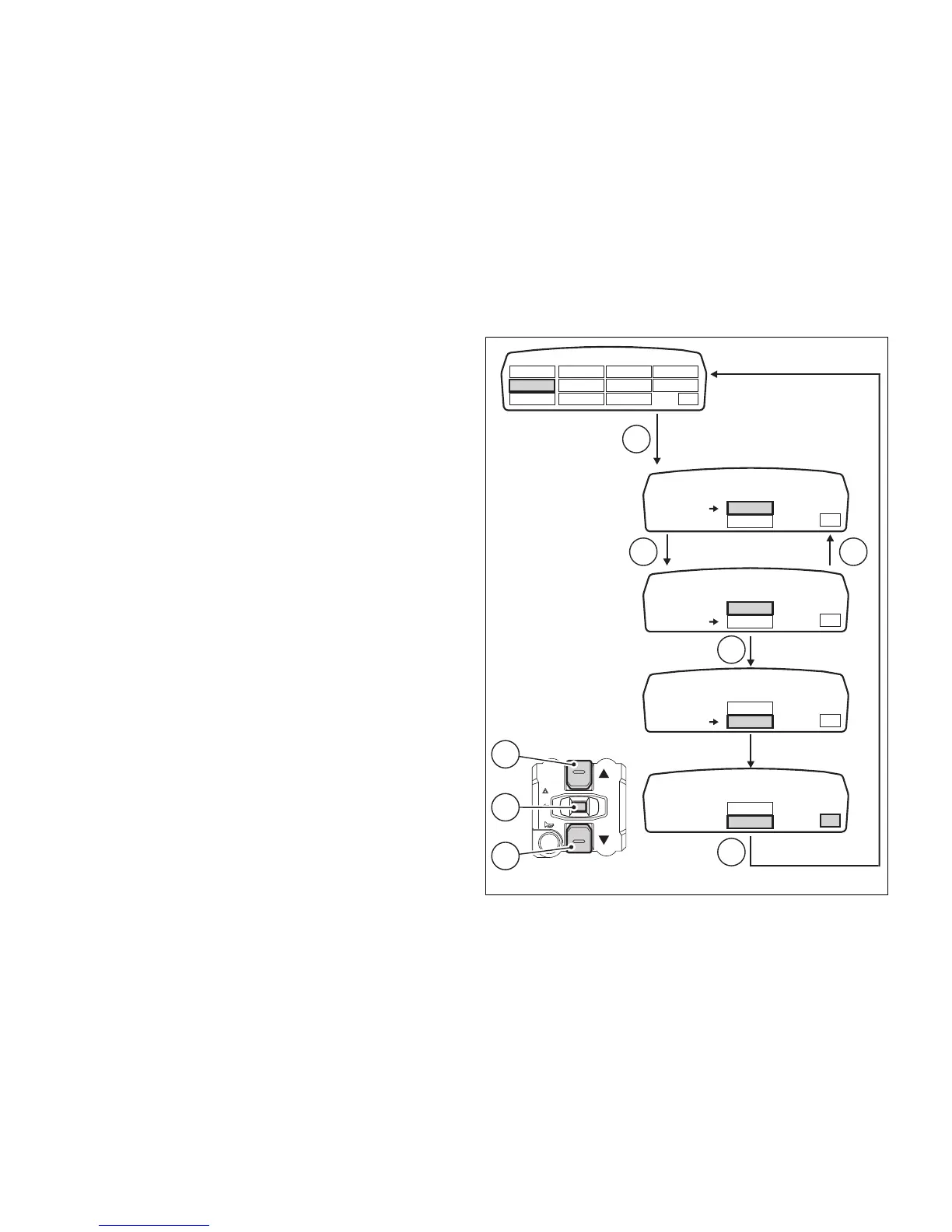
To gain access to this function display the "setting"
menu page 73, use buttons (1) or (2) to select the
"MENU 2" function and press the reset button (4) to
shift to next page.
Function status is highlighted on the display (green if
ON or yellow if OFF).
Use buttons (1) or (2) to move left arrow on the new
setting, and press the reset button (4) to confirm it.
To quit the setting function, press the reset button (4)
with "EXIT" highlighted.











 To Next Page