17
E
Clock setting
Press button (A, fig. 5) for 2 seconds. “AM” flashes. Press
button (B, fig. 5), to switch to “PM”. Press button (B) again
to return to “AM”. Press button (A) to confirm selection and
enter the hours setting mode. The hour digits flash.
Set hours using the button (B). Press the button (A) to
confirm and enter the minutes setting mode. Set minutes
using the button (B). Hold down button (B) for more
than 5 seconds to fast scroll through the minutes.
Press button (A) to confirm, exit clock setting mode,
and return to normal display mode.
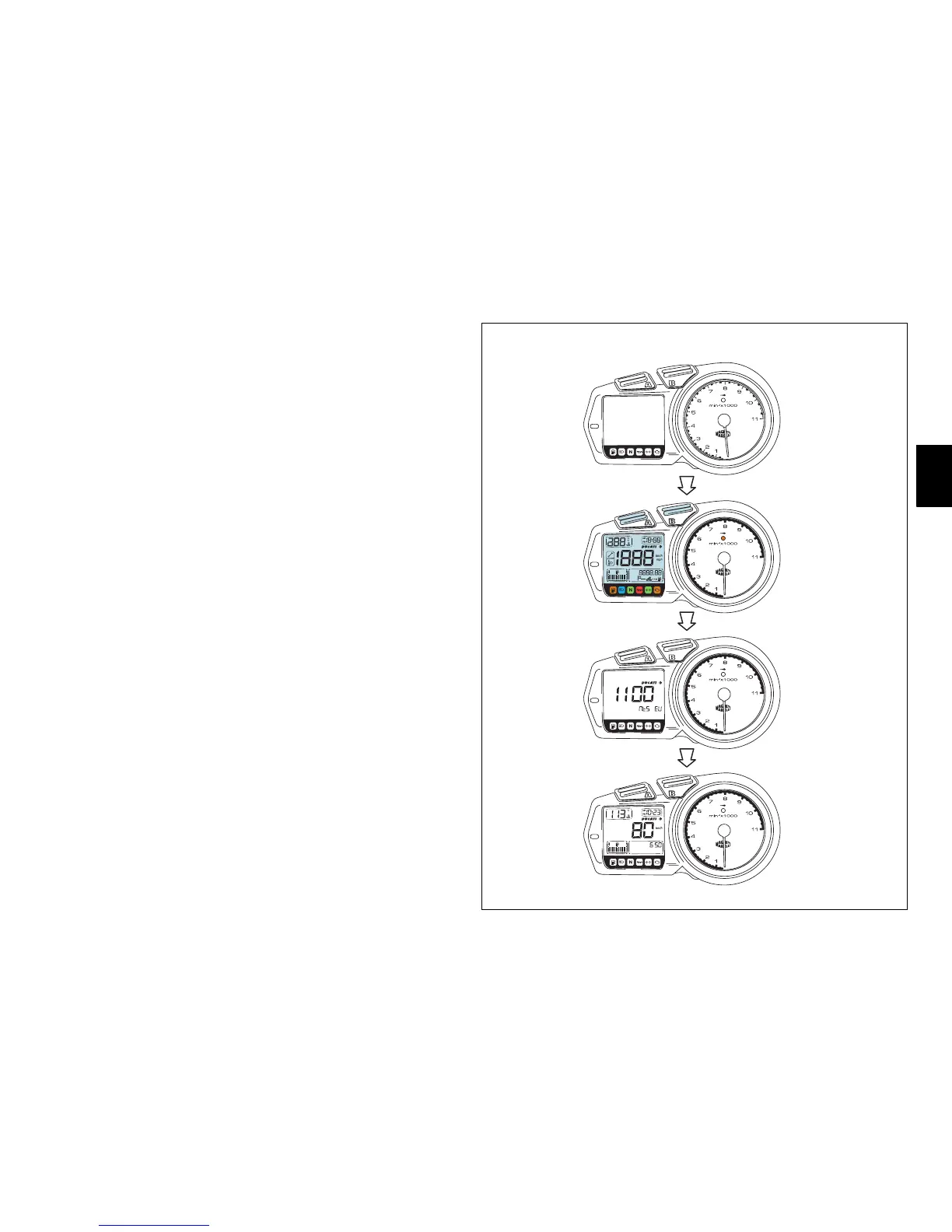
Accessing the additional display functions
(fig. 9)
Press button (B, fig. 5) with the ignition key turned to ON
to scroll through the following display functions:
-Odometer
- Trip counter
- Average speed
- Current fuel consumption
- Average fuel consumption
- Remaining range
- Fuel trip counter (if activated)
km/h
miles
mph
km/L
mpgal
km/h
OFF
CHECK 1
CHECK 2
ON
fig. 9



 To Next Page