Maintenance Manual for DUKE TSC Proofer
Oven with Touch Screen Controls
10
REVERT TO FACTORY DEFAULT RECIPES
Press and hold the 1. OVEN button for Approx 5
seconds or until the Special Functions Screen
opens.
Press 2. CLEAR, 1 7 9 2 and ENTER.
Press 3. OK to accept Default Recipes.
Press EXIT to return to main menu page.4.
SPECIAL FUNCTIONS – PIN Number Entry
CLEAR
ENTER
PIN CODE
1 2
3
4 5
6
7 8
9
0
EXIT
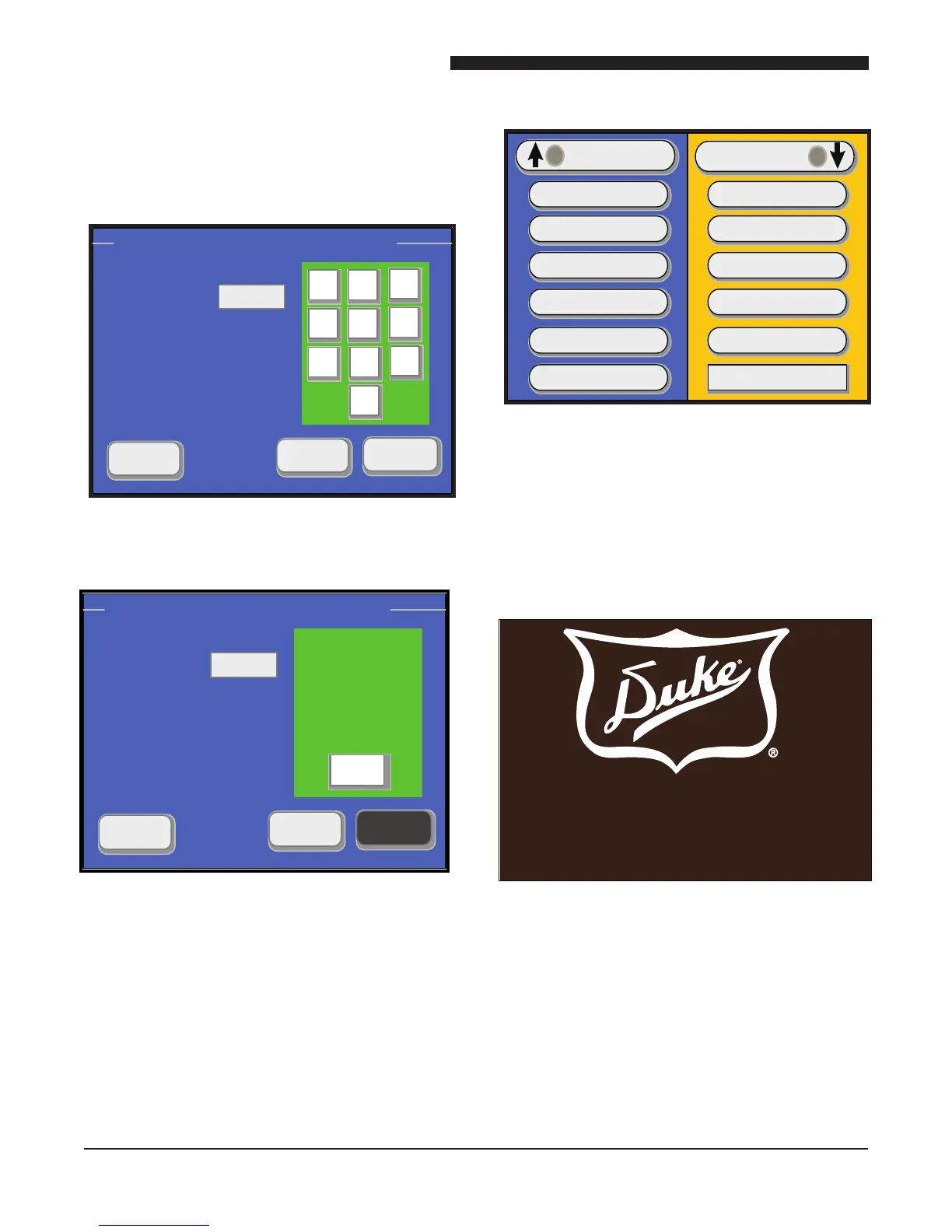
Figure 16: Main Menu Screen With Factory
Default Recipes Loaded
Figure 14: Special Functions Screen
Figure 15: Default Recipe Enable Screen
USB MAINTENANCE AND OPERATIONS
SCREENS LOAD/UPDATE
Turn the main power switch off then back on. 1.
Unit will beep three times and display the
start screen.
Figure 17: Start Screen
SPECIAL FUNCTIONS – PIN Number Entry
CLEAR
ENTER
PIN CODE
EXIT
****
OK
DEFAULT RECIPES
Now Enabled
OVEN
PROOFER
BREAD
COOKIES
BREAD 2
BREAD 3
BREAD 4
BREAD 5
60 MINUTES
PROOFER DRY OUT
POWER
60 MINUTES
20 MINUTES
60 MINUTES
“Your Solutions Partner”
TOUCH SCREEN TO CONTINUE
OR INSERT USB DRIVE
Copyright © 2008 Duke Manfacturing



 To Next Page
 Loading...






