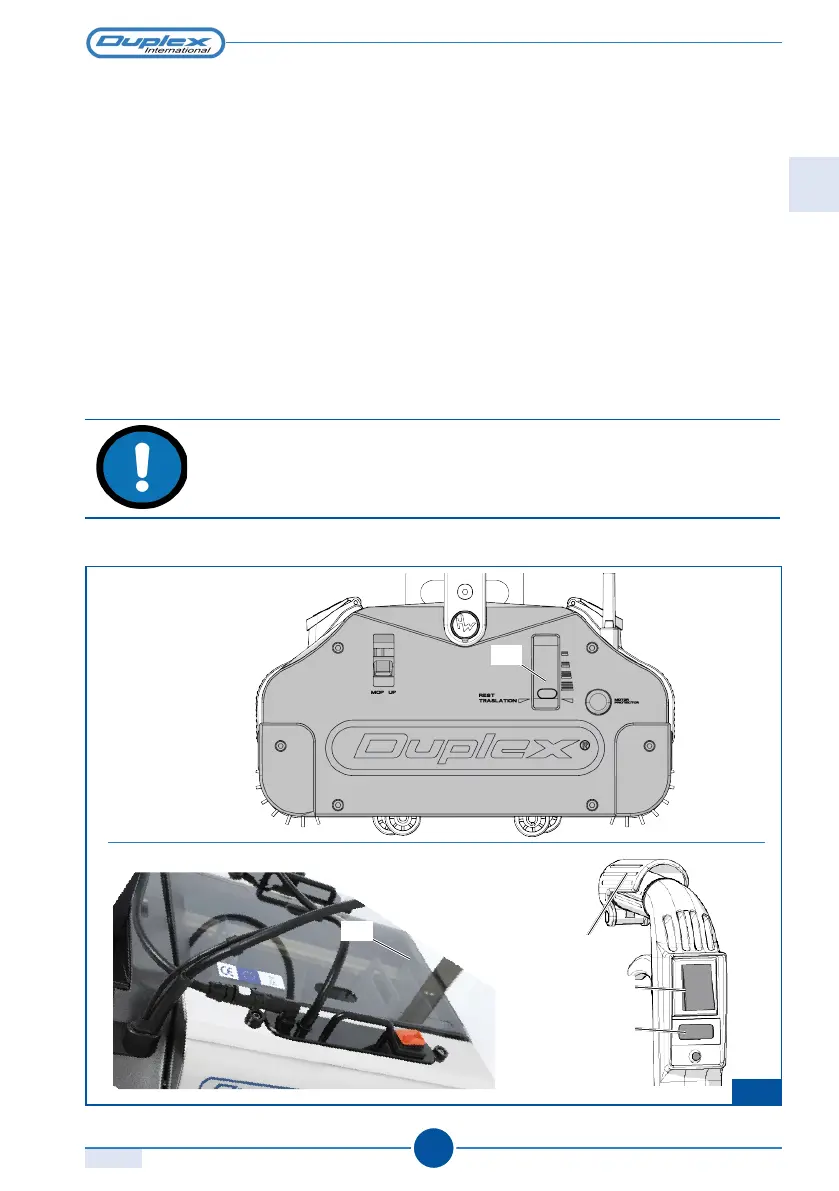
F.16
DUPLEX 340/420/620
1.0
109
4
2
1
3
RT
6.7 STOPPING THE APPLIANCE
To stop the appliance:
Standard Model:
1) Move the handle to the vertical position and release the safety lever 4
2) Turn off the main switch located on the handle 1.
3) Move the regulator to the RT position (rest traslation).
Steam and Steam Plus Models:
In addition to the instructions above:
4) Turn off the switches for the pump 3 and steam generator (located on the tank) 2
CAUTION
Turn off the main switch (1) whenever the appliance is not in use.
Rev.
ASSEMBLING THE APPLIANCE
EN



 To Next Page