Programming a JOB
64
$ &UHDVH
0RGXOH6HOHFW7RRO
&UHDVH
6(7
7ULP5 <(6
0RGXOH6HOHFW7RRO
6OLW
7ULP/ <(6
6(7
-2%3URJUDPPLQJ
7HPSODWH
:L]DUG
$GYDQFHG
0RGXOH6HOHFW7RRO
6WDQGDUG
6(7
Programming a JOB with Advanced
REFERENCE
Template
: This helps you program a JOB in a
simple way by selecting from the list
of the document size and the fi nished
products.
Wizard
: This helps you program a JOB in a user
size in a simple way.
Advanced
: This programs JOB by entering a value
of each item.
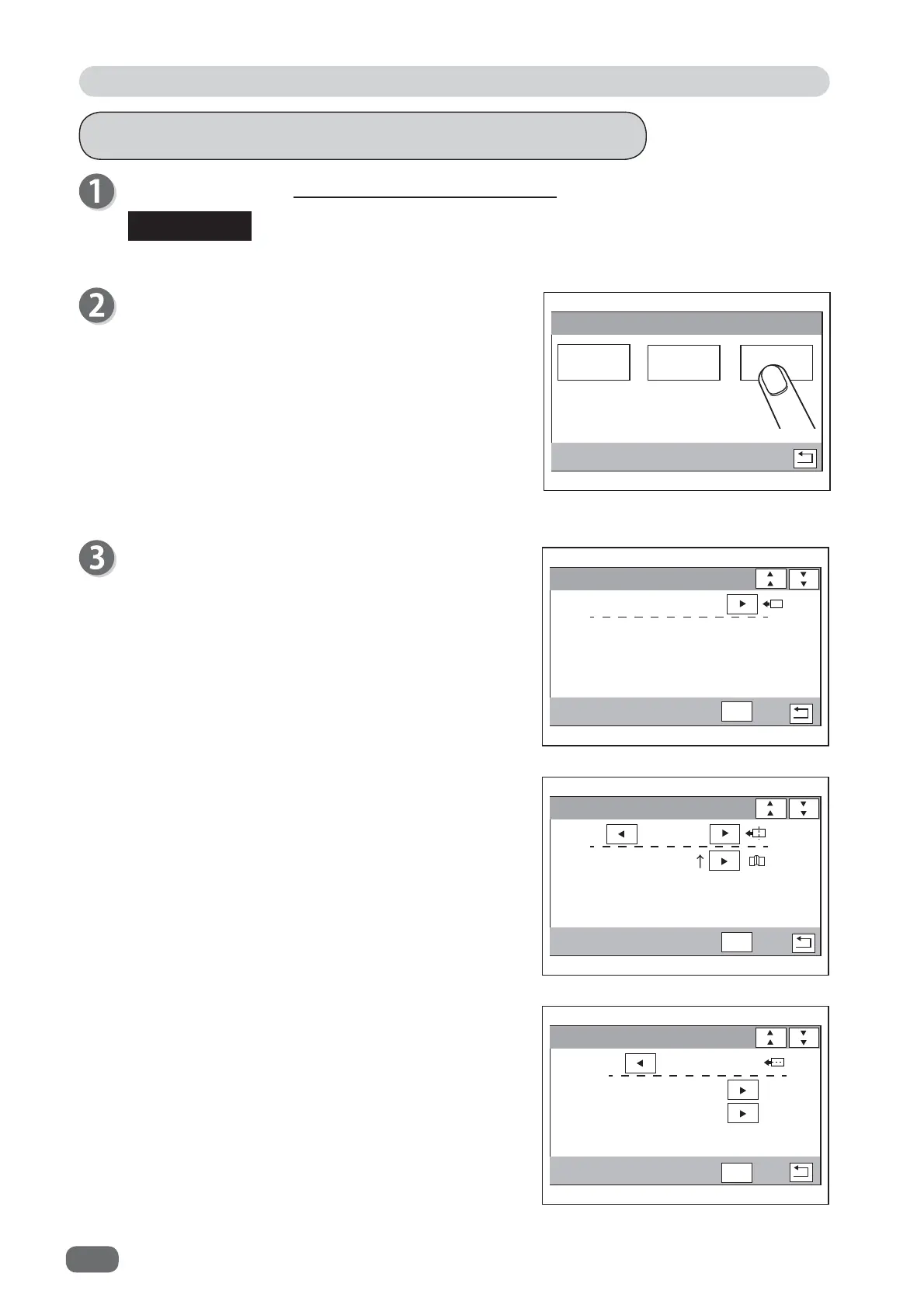
●
Crease
(creaser module)
Touching the
left/right
icon in the second line
switches the displays between
Crease↑
and
Crease
↓
.
Select the direction of the creaser tool (upward/
downward) and touch
SET
.
●
Slit
(slitter module)
Touching the
left/right
icon in the second or third
line switches the display between
YES
and
NO
in
Trim R
and
Trim L
.
Select
YES
or
NO
for each slit and touch
SET
.
Follow steps 1 to 6 in Programming a JOB with Template. (→ P.50)
JOB Programming
Touch
Advanced
.
Module 1 / Select Tool
Touching the
left/right
icon switches the displays in
the order of
Standard
,
Crease
, and
Slit
. (Optional
modules which are not set are not displayed.)
Select a module.
The fi gure on the right shows
Standard
.
If you use the
standard module
, touch
SET
.
The settable values are displayed in the lower left part of the screen.



 To Next Page