10
Installing the Camera
Once the camera is configured, it is ready to be installed in its final location. For more
information on the lens’ installation, refer to its documentation.
To install the camera:
1. Remove the lens cap.
2. Fasten the locking screw.
3. For a C-mount lens, screw the C-mount adaptor on the front of the camera.
4. Twist the lens on the front of the camera.
5. Unfasten the locking screw.
6. Adjust the focus, then fasten the locking screw again.
7. If you are using an auto iris lens, insert the auto iris plug into the adaptor on the
side of the camera.
8. Power the camera and connect it to the network using the PoE kit.
Note: You may want to connect an analog monitor to the camera’s BNC port while at the installation site in
order to adjust the camera position, lens focus, and other such parameters.
Configuring the I/Os
The input/output pins on the 5-block connector on the back of the camera are used
for alarms. There are two input and one output terminals.
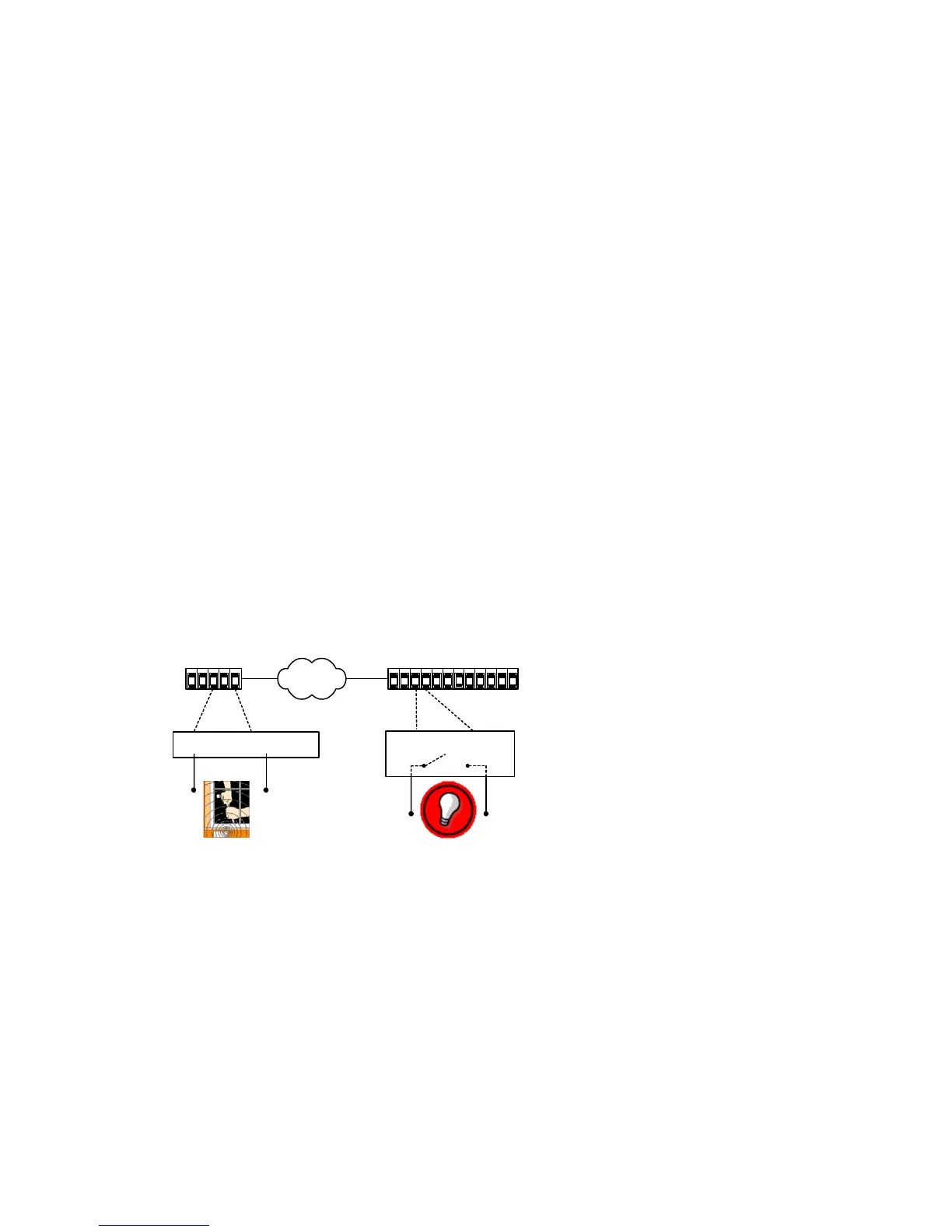
The 9540 can generate and receive alarms. A typical configuration, in which an event
sensor is connected to the 9540 camera and an alarm system to a 7501D, is shown in
the diagram below.
With Device Configurator, you can activate the alarm process by checking the
Forward I/O box in the Connection Creator window.
Updating the Firmware
You can update the firmware of the 9540 IP camera eith Device Configurator or the
Latitude NVMS AdminCenter. For a detailed procedure, refer to the chosen software’s
manual. The only way to update a 9540’s firmware is through an IP network. If the
update procedure fails:
1. Restart the same procedure immediately.
2. If the problem persists, move the camera so that it is in the same IP subnet as the
host computer, then restart the procedure.
Input 1 Ground
Relay Relay
S1500e-RS2500e
9540 7501D



 To Next Page