23
Viewing Live Video
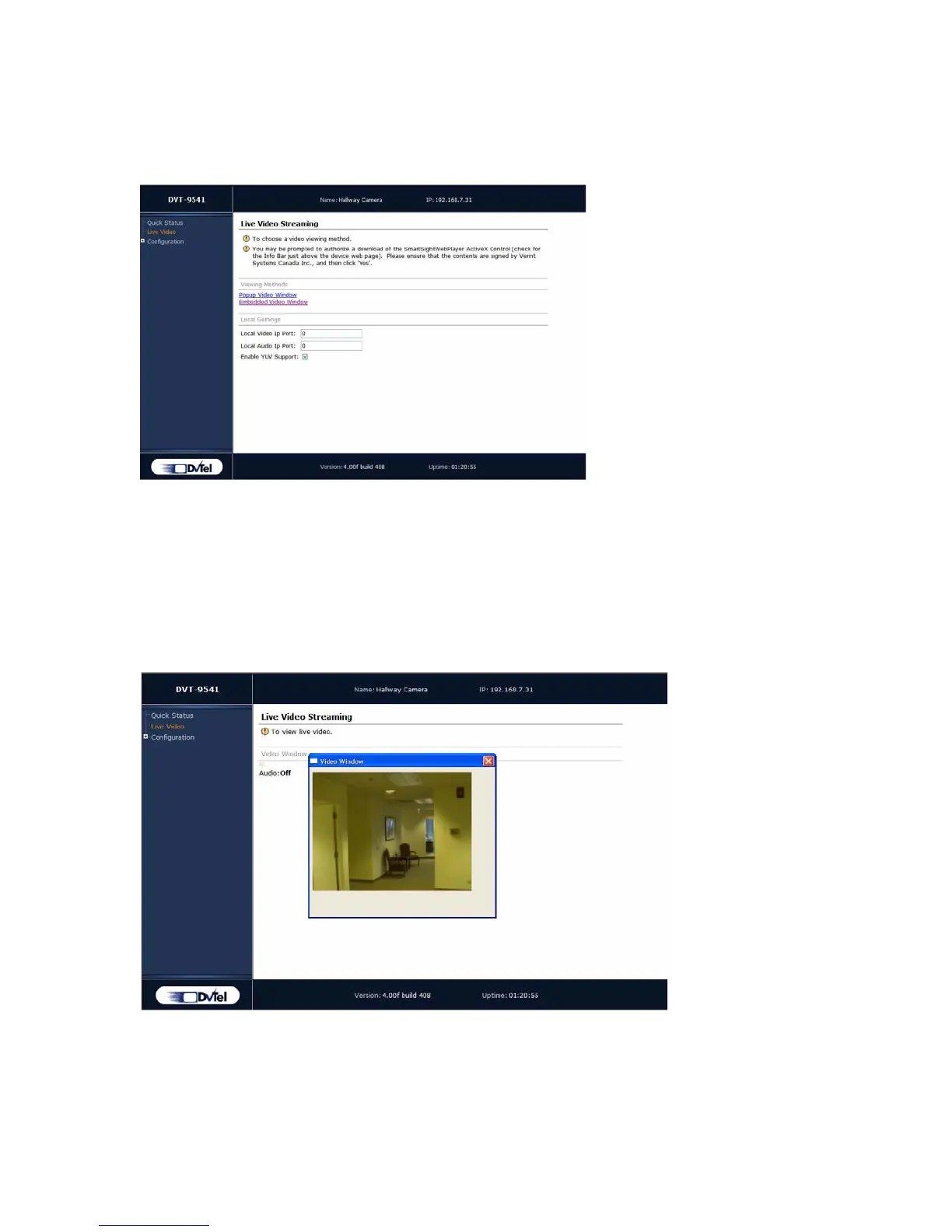
You can view the stream from the video source using one of the two available viewing
methods, popup or embedded.
Before viewing live video on your computer, you may need to set up the following
parameters:
Note: Unless you need to use a specific port, it is recommended to keep the default value for the Local
Video IP Port. The Local Audio IP Port is not used by the 9540.
Local Video IP Port—The port number on your computer that will receive video.
Enable YUV Support—The indicator of whether YUV video conversion will be used.
Most graphics video cards support YUV.
If you choose Popup Video Window, the video will be displayed in a separate window:



 To Next Page